Parakeet Batch Transcriber
A downloadable tool for Windows
Parakeet Batch Transcriber
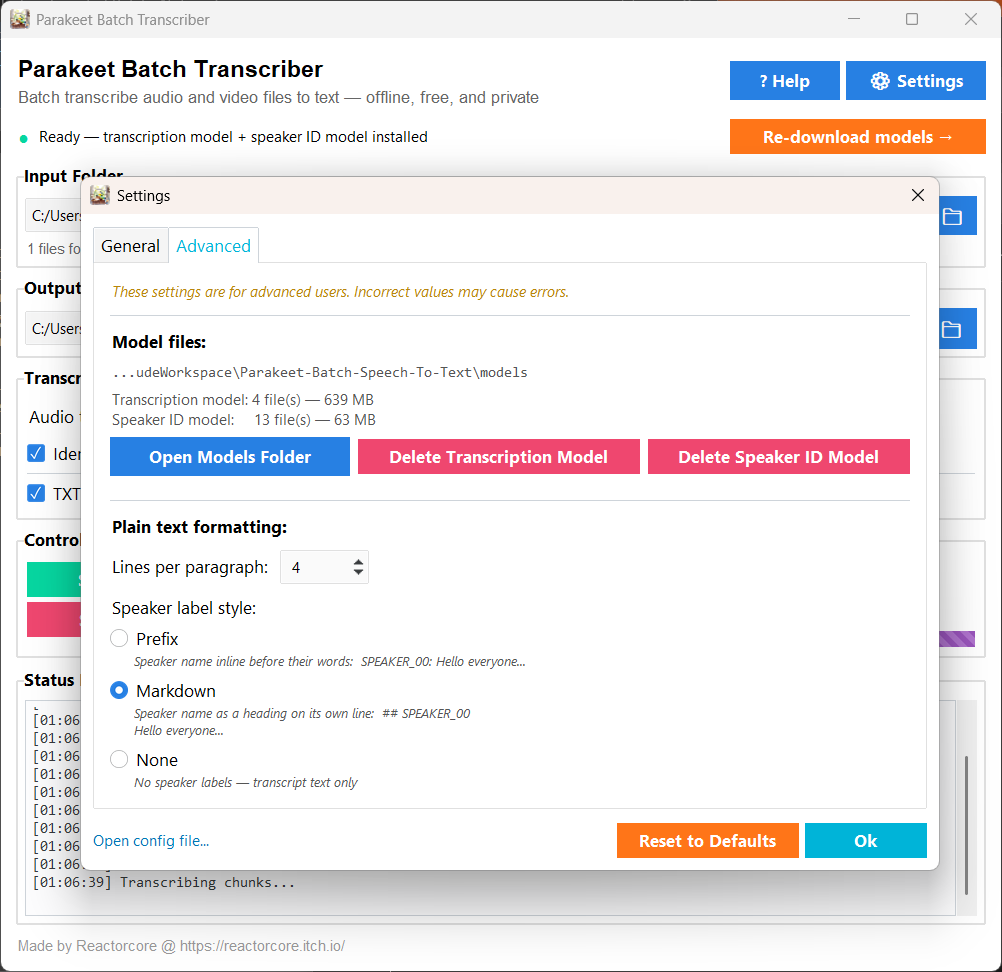
Unlimited offline batch speech-to-text that works on medium-grade consumer hardware, with a respectable 93% transcription accuracy and diarization (aka "who said what").
What it is
Transcribe audio and video files in bulk — entirely on your own PC, no cloud, no subscription, no data leaving your machine. Unlimited and fairly quick too.
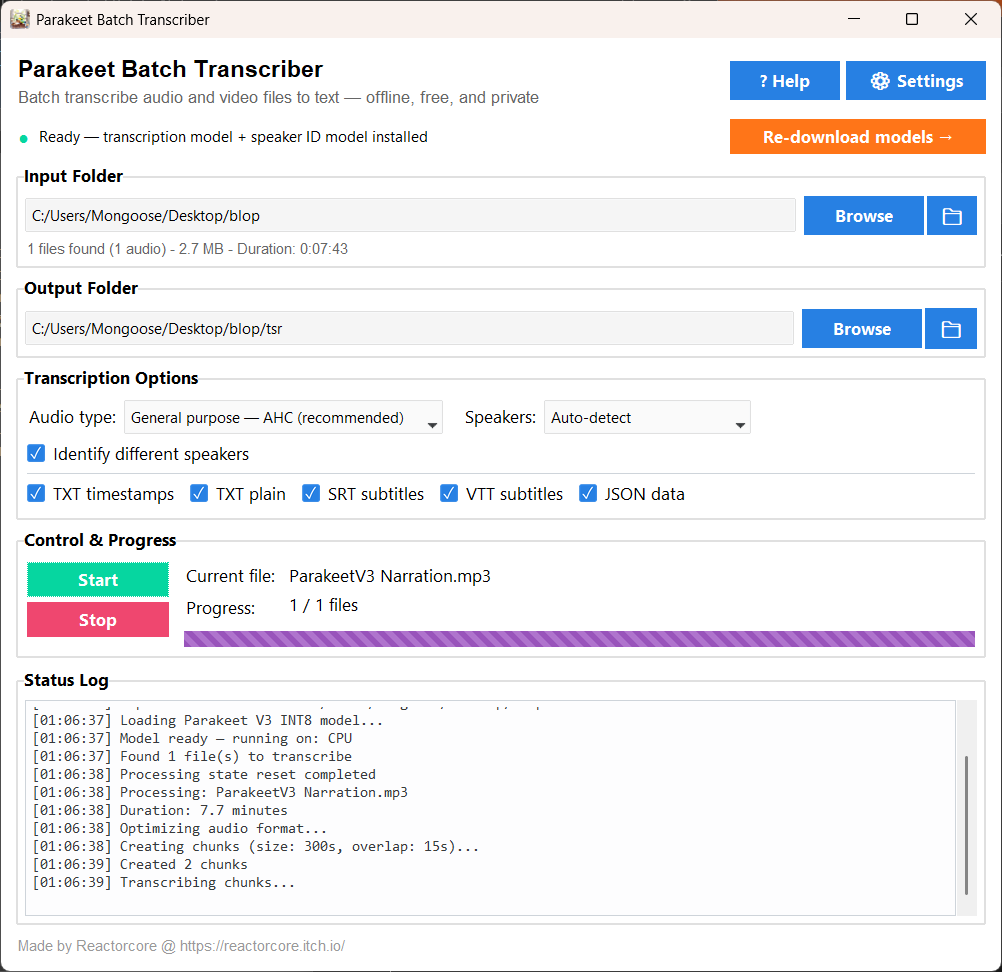
Just toss your audio/video files into a folder, run the exe, select said folder, select another folder where to drop the text files and let it process - fire & forget, fully automated.
What you get per file
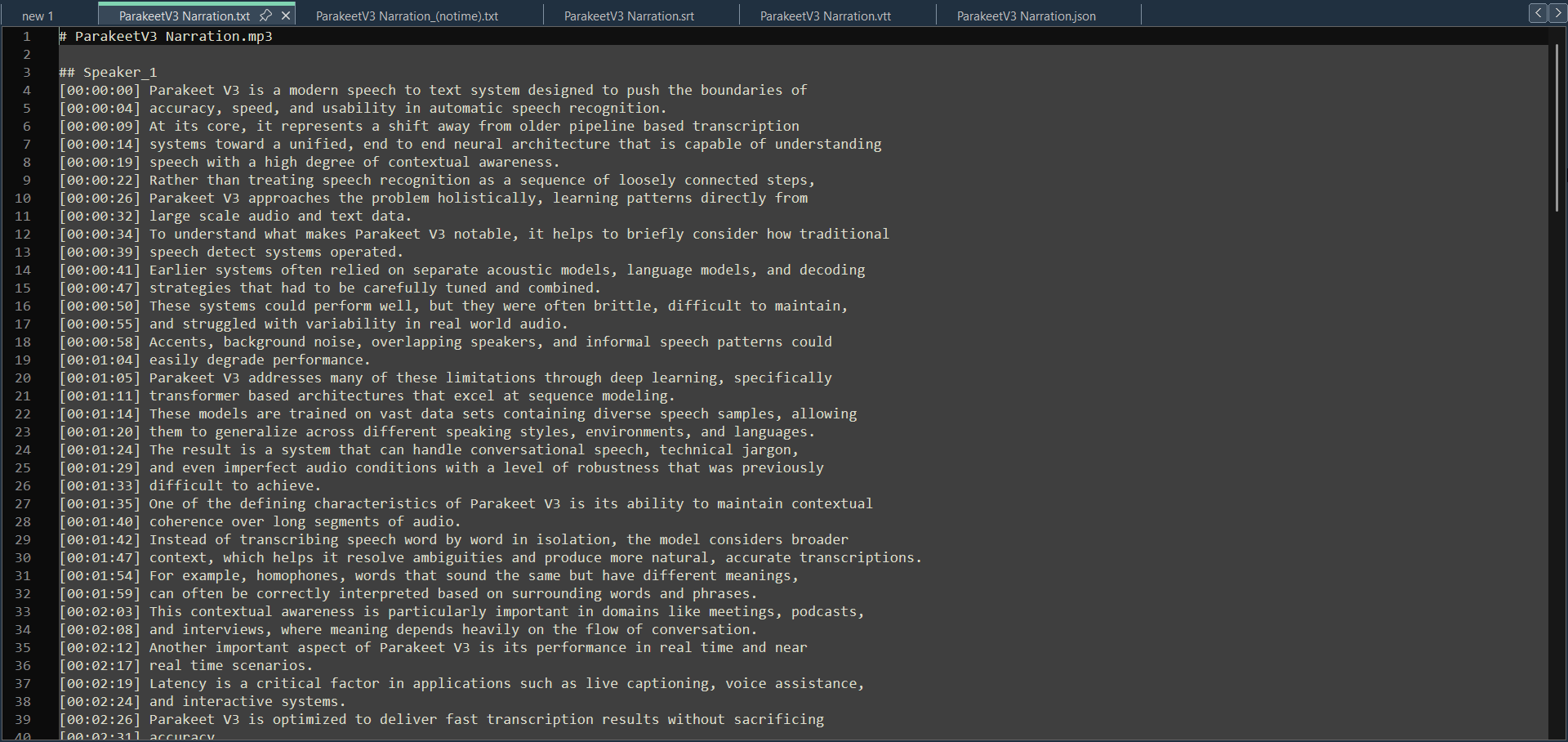
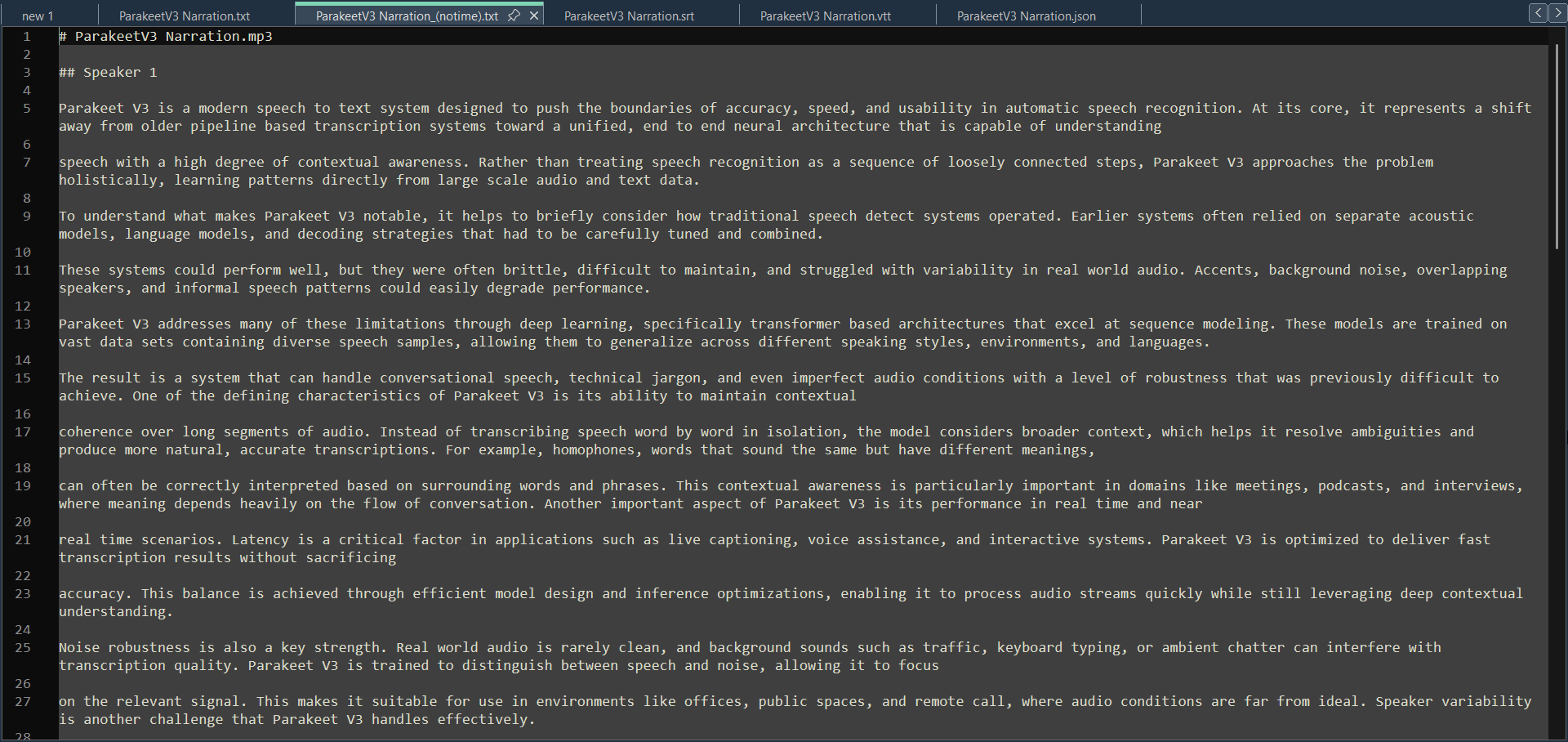
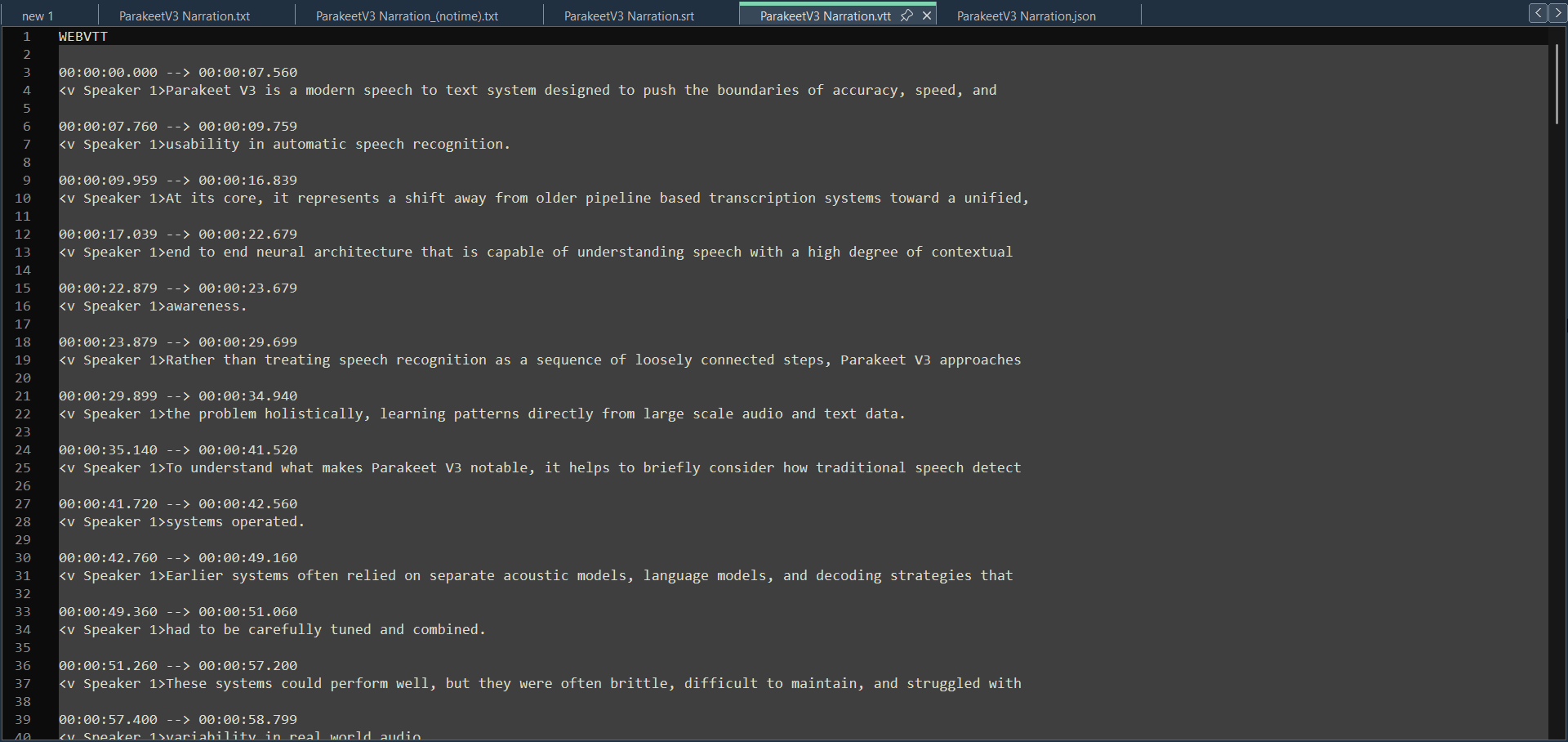
- Timestamped transcript (.txt)
- Clean readable text, no timestamps (.txt)
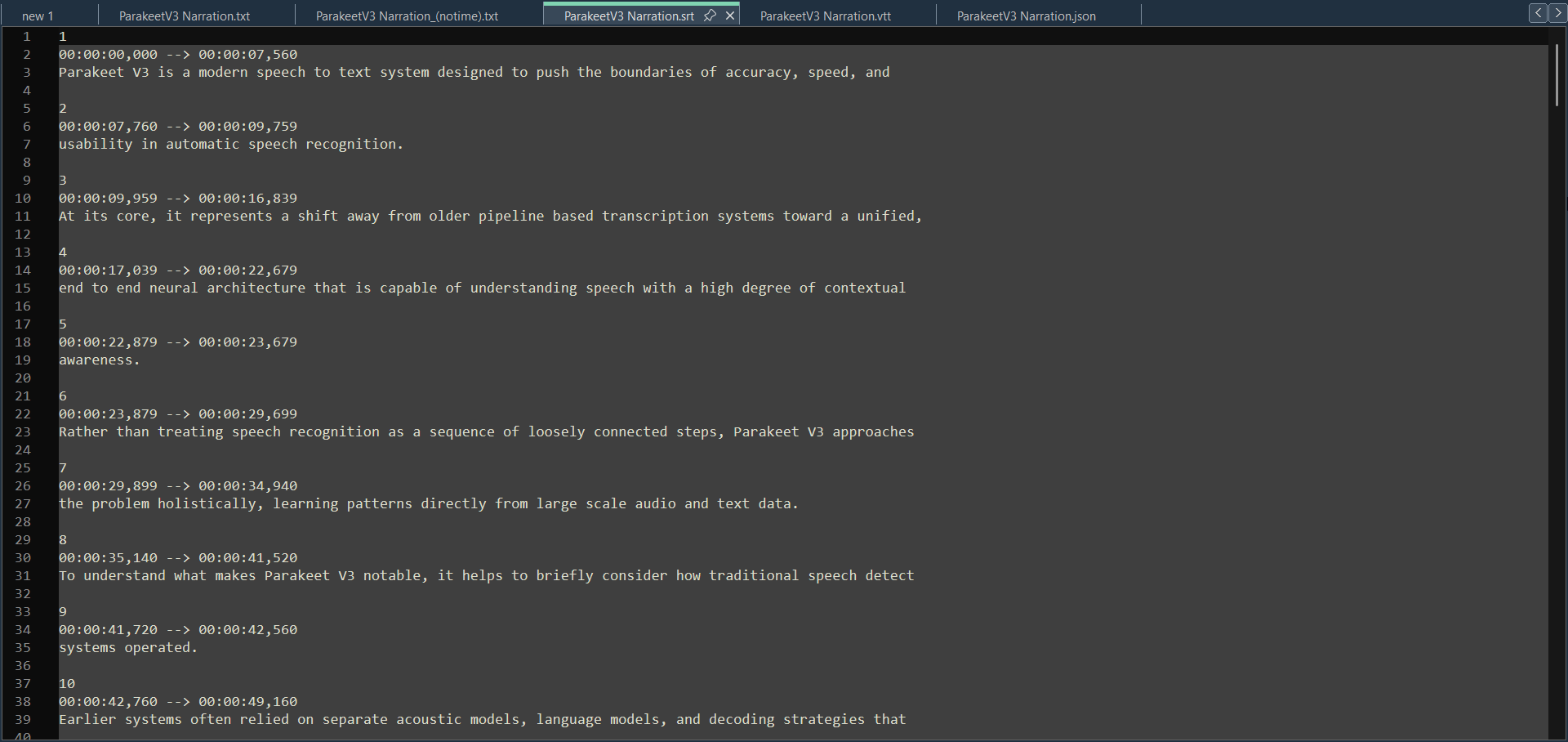
- SRT and VTT subtitles — drop straight into a video editor or media player
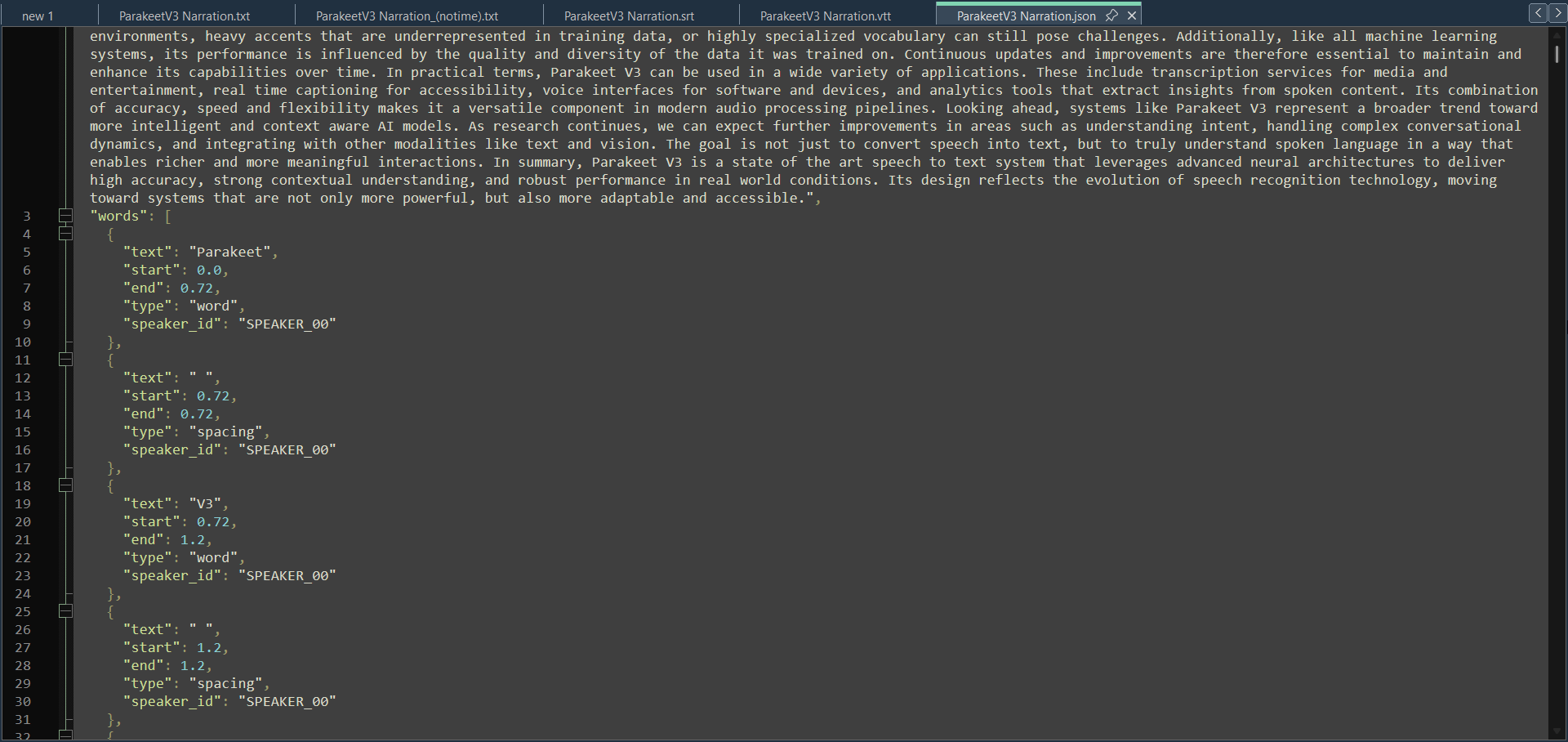
- Full JSON with per-word timestamps for devs and pipelines
(See screenshots I took in notepad++ of what the results look like)
Pros/Cons
Best for: Interviews, meetings, podcasts, lectures, voiceovers, narration — clear speech at reasonable recording quality.
Batch-processing large archives overnight. Any recording you can't send to a cloud service: therapy sessions, legal recordings, confidential calls, NDA-covered content.
Sucks for: Music lyrics, hypnotic/meditation sessions, heavy background noise, distorted or phone-quality audio, very strong accents, or sound-effect-only files.
If you want higher quality and don't mind paying for it, check out ElevenLabs Audio Transcriber — a companion app using cloud-based transcription for harder cases and richer output.
System Requirements:
- Window 10/11
- 8GB of RAM
- 4 GB of GPU VRAM
- AMD Ryzen 5 or equivalent (3.0 GHz CPU or better)
- 1 GB of storage space
- FFMPEG installed to path
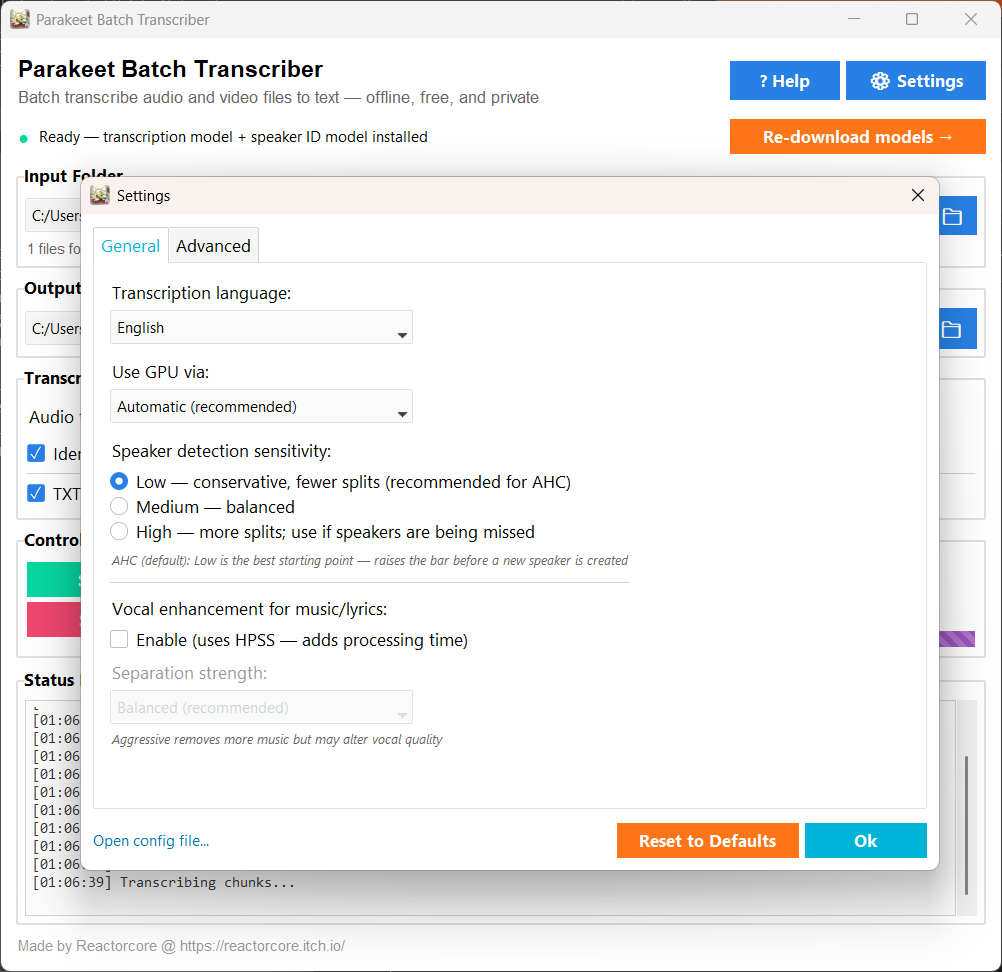
Note 1: The above are recommendations, it might run on lower hardware too. GPU gives 10–20× faster transcription; CPU-only works too, just slower.
There is an option to do a one-time model download (~715 MB, including Parakeet V3 and SpeechBrain) via Hugging Face, but the provided zip package you'll download on this page has them already pre-included so you can just boot up the exe and do your transcriptions right away.
FFMPEG Required Too:
You will need FFMPEG installed to path for this program to work, get it here:
https://reactorcore.itch.io/ffmpeg-to-path-installer
(FFMPEG is a program that edits audio/video, but works in command line, my program needs it to process the audio/video you want to transcribe.
Other features:
- Speaker identification — labels who's talking (SPEAKER_00, SPEAKER_01, etc.)
- Vocal enhancement — optional HPSS pre-processing to help recover lyrics buried in music
- 25 languages + auto-detect
- Skips already-transcribed files automatically
- Fully portable — copy the folder to a USB drive, works offline on any Windows PC
- Super easy to use even for laypeople,
- Intuitive visual GUI with tooltips and labels
- Has a log.txt, settings menu and various option to help you succeed
Unlimited, automated, good.
No subscriptions. No data leaves your machine.
Technical Stuff
The quality is not bad - at around 93% accuracy - so as long as your audios are clean enough and spoken in clear english - and without background noise - you will get fairly good results with minimal word errors. Other languages or strong accents might have a higher Word Error Rate (WER).
For something as small and lightweight as Parakeet V3 that stays under 1GB in size and doesn't require humongous VRAM usage, this is impressive - its the best unlimited consumer grade option you can get at the moment.
Again, if you need more quality/accuracy, audio event tagging and better speaker detection use Elevenlabs Audio Transcriber, but notice that it uses cloud service that requires an internet connection, an account and an API key.
Check out everything else I do: 🚀✨
Download
Click download now to get access to the following files:
Development log
- v1 ReleasedApr 02, 2026
Comments
Log in with itch.io to leave a comment.
Am playing with this. Happy to pay. Thanks.
Thank you, it was a lot of work! this make me happy
I have always supported independent programmers who put out good software. It looks very complicated, and I appreciate the hours you put in.
I have tested it with a couple of video files that I had, and it worked well. thank you again
By the way, I have another program that does a similar thing, but it doesn't do the batch of the files, so yours is the first, and am happy with this.