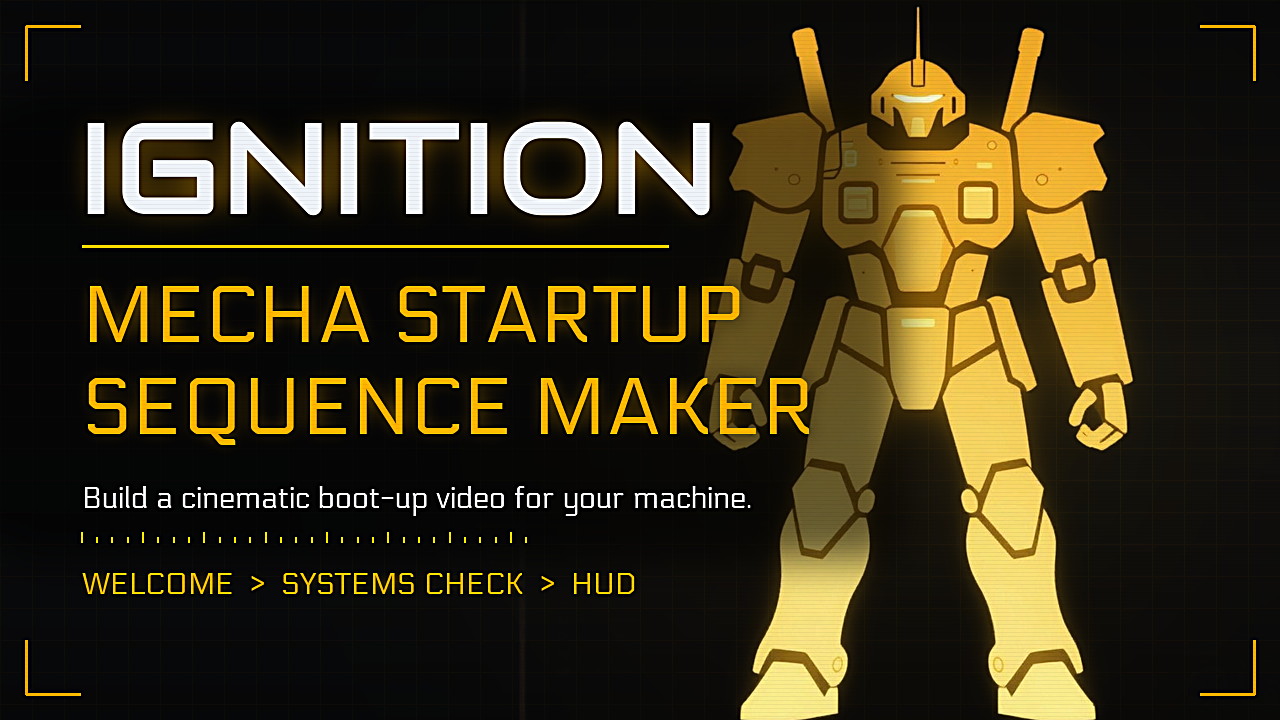
IGNITION Mecha Startup Sequence Maker
A downloadable tool for Windows
IGNITION - Mecha Startup Sequence Maker
About
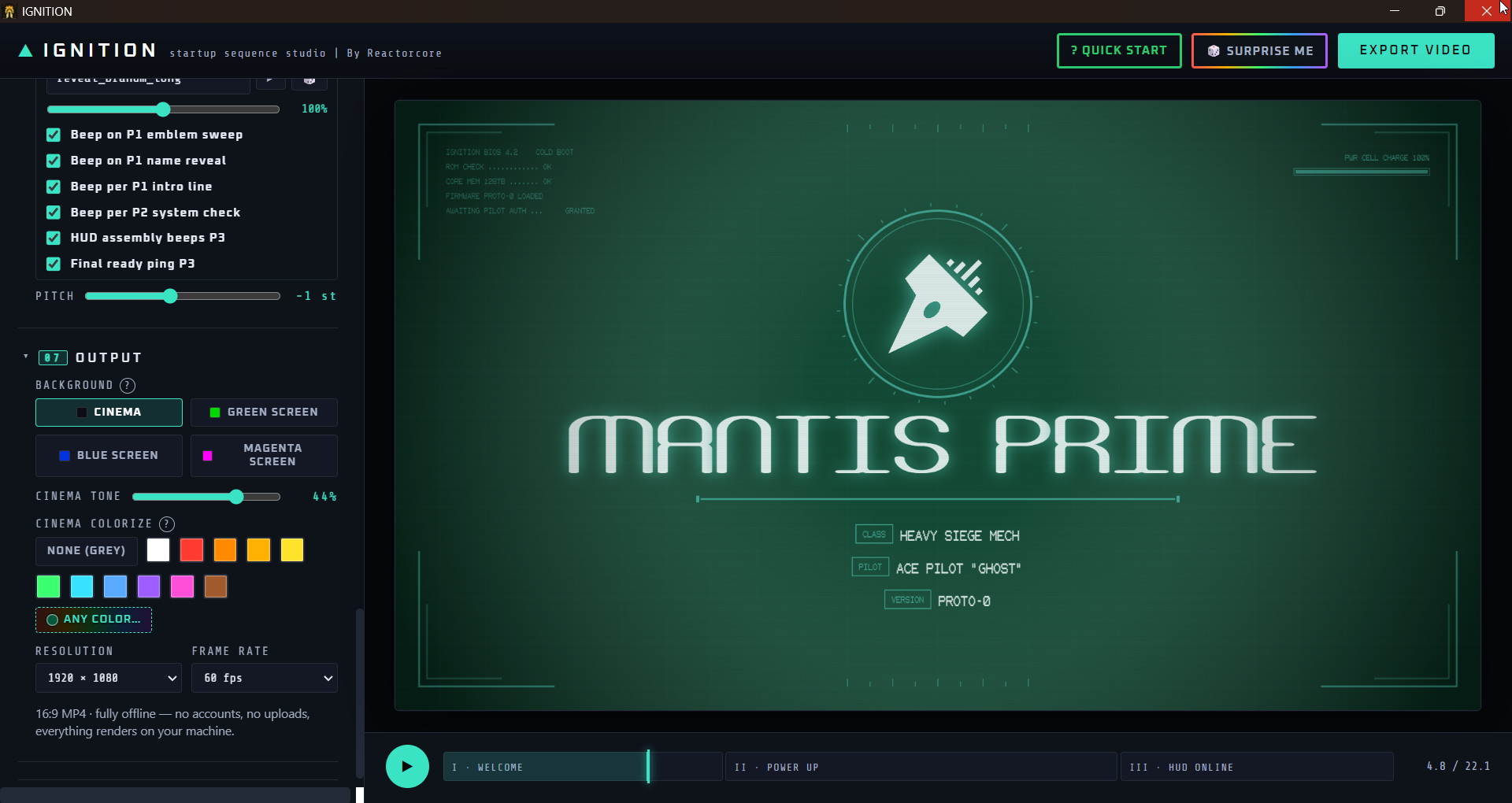
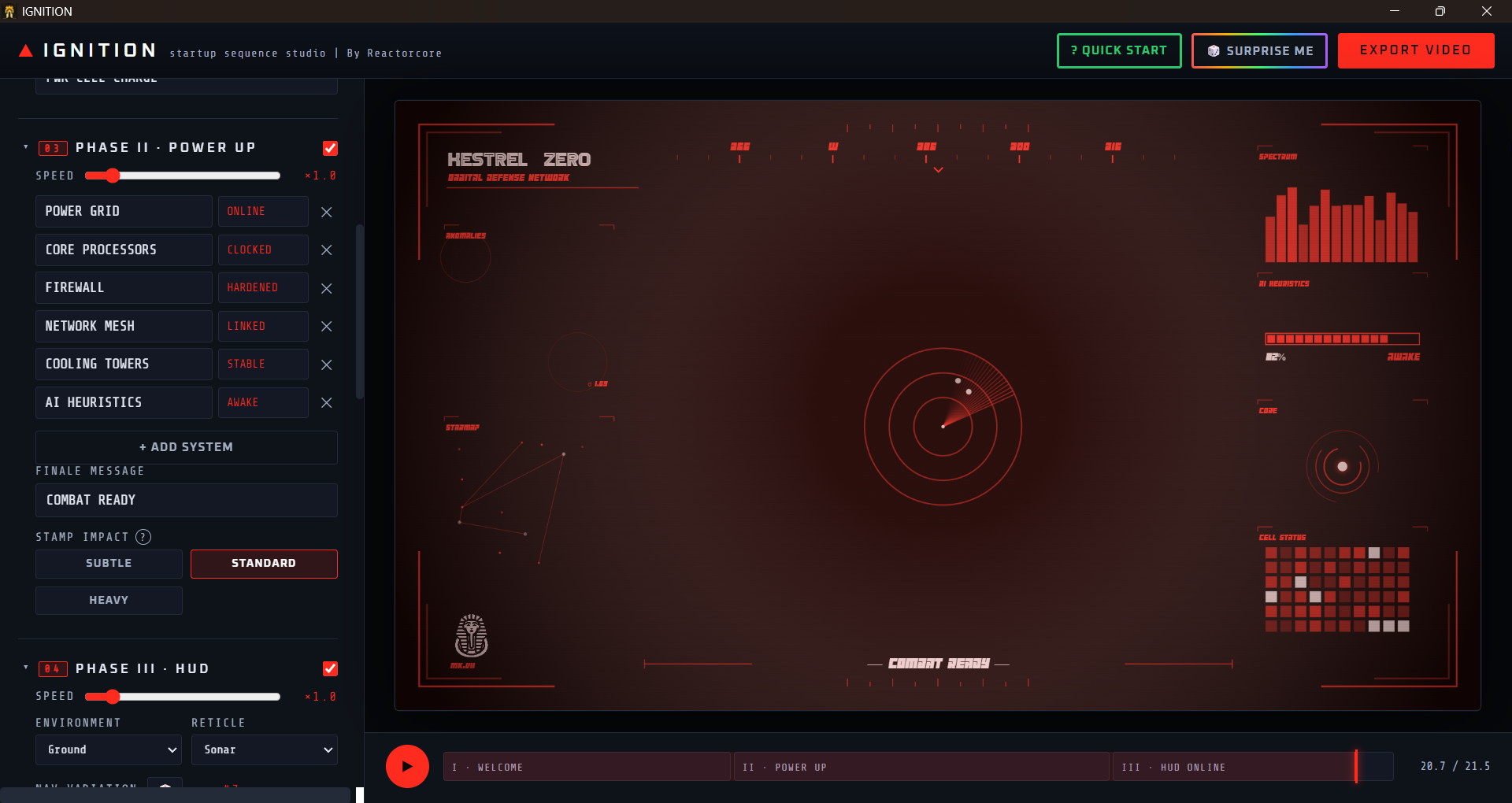
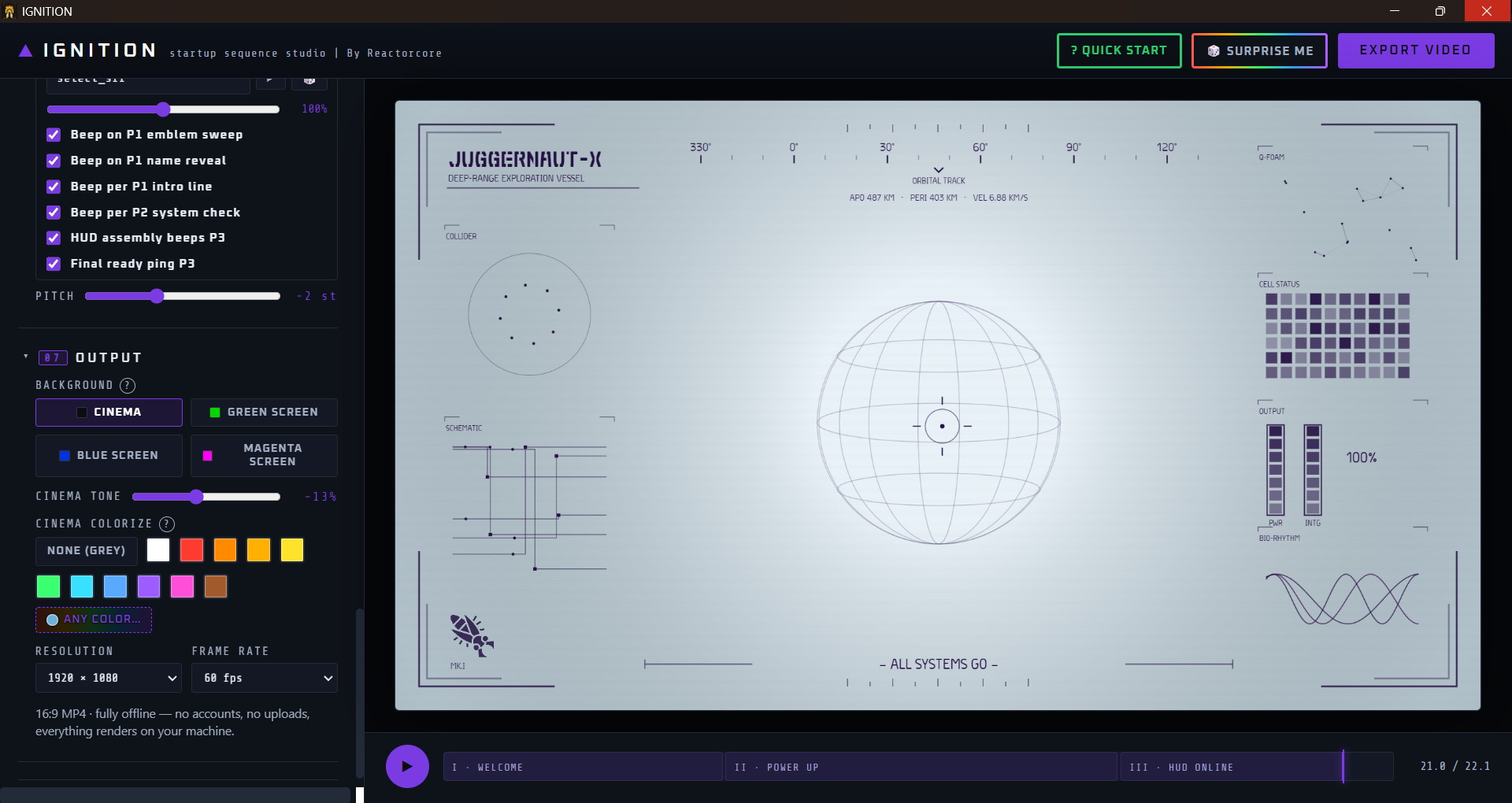
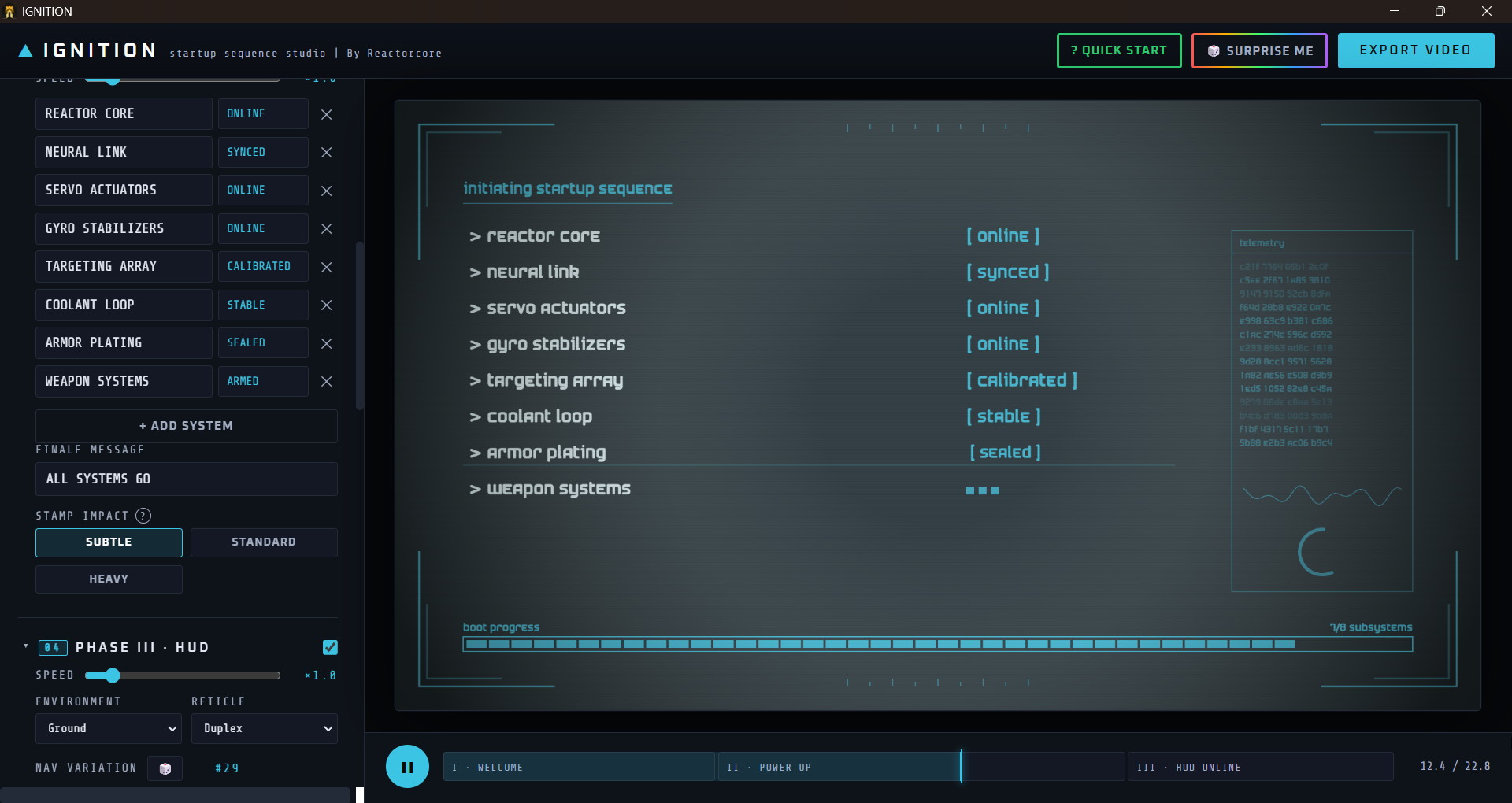
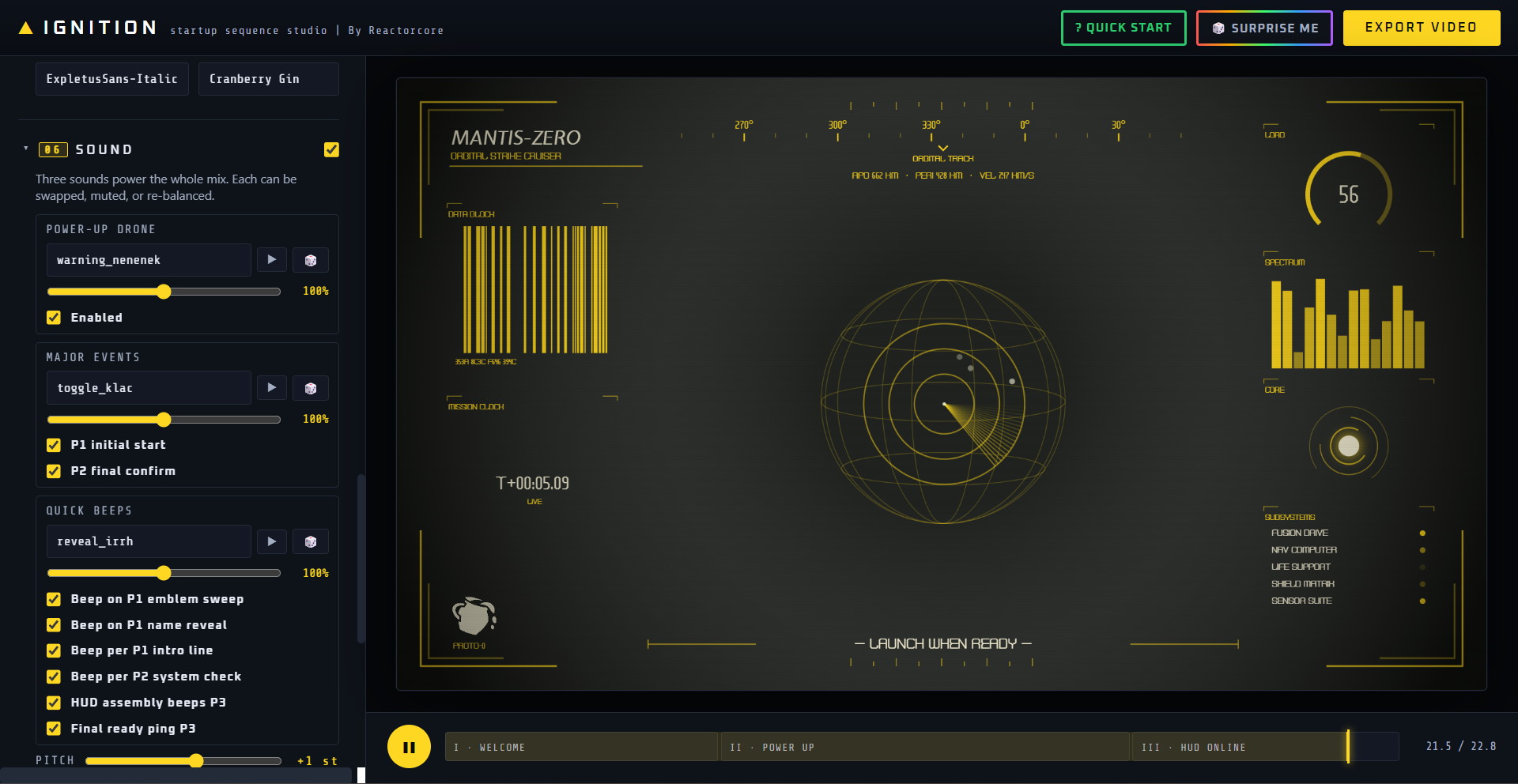
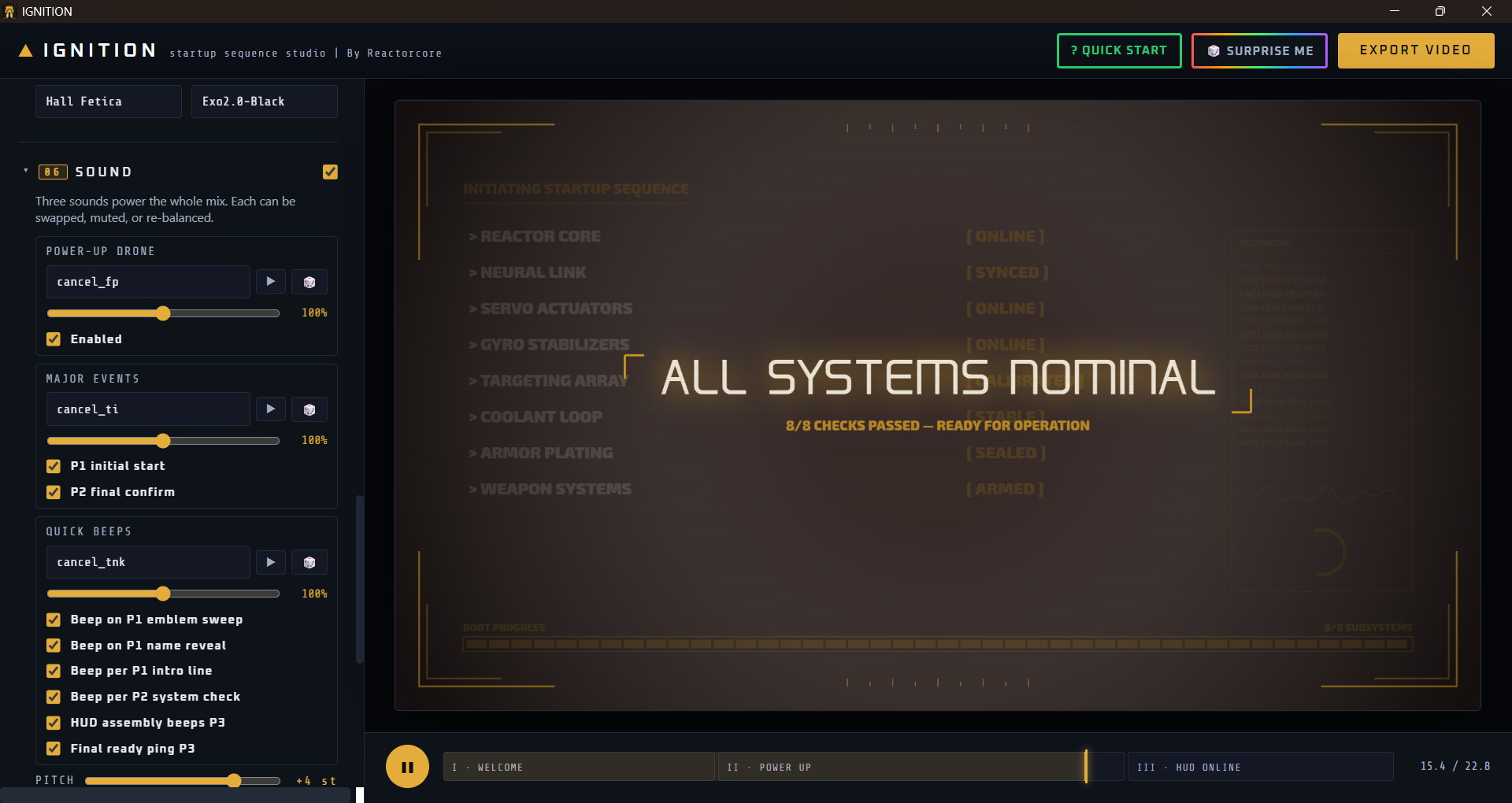
This is a Windows program to make a fully customizable, cinematic system startup screen video (16:9 - 1920x1080p - 60fps) for your battle machine/mecha/computer/starship/vehicle in only a few easy clicks.
Inspired by MechWarrior, Gundam SEED, and Steel Battalion cockpit startup screens.
Imagine the famous...
Reactor: Online.
Sensors: Online.
Weapons: Online -
All Systems Nominal!
...but as a fully animated cool badass intro video like you can see above - that you can adapt to your video projects.
Purpose
This program was made for:
- video intros
- game trailers
- video overlay effects
- stream starting-soon screens
...and anyone else who wants that cool Steel Battalion/Gundam SEED style startup animation video for any of their content creation needs.
Or it can serve as an accurate, detailed, fully animated inspiration for trying to recreate it for a video game.
Its layperson friendly, easy to use, fully offline, unlimited output, no AI used in creating the video, has an instant preview that updates whenever you customize anything.
Customization
The created video is divided into three Phases. All are optional and the speed/length is also also configurable:
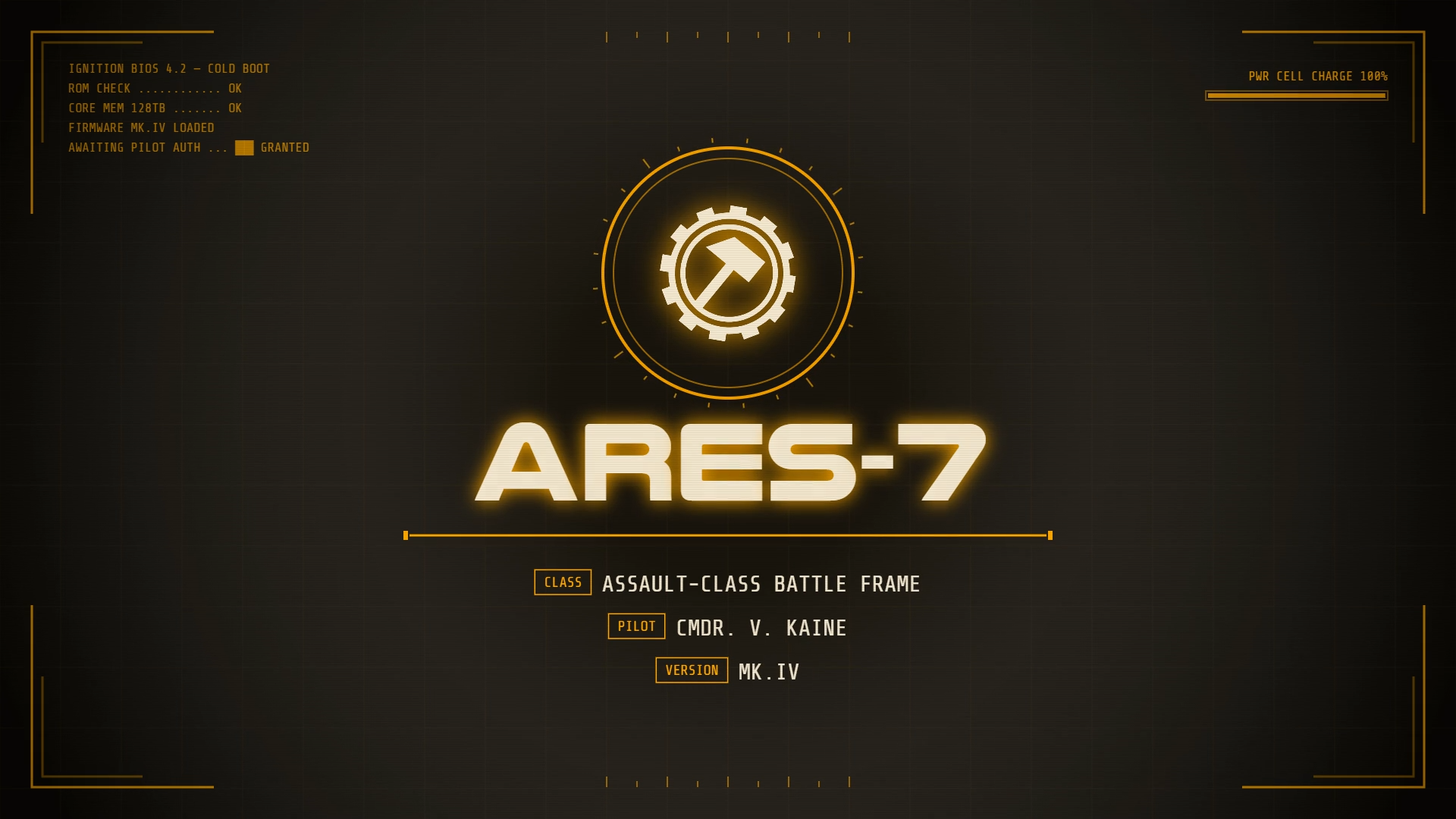
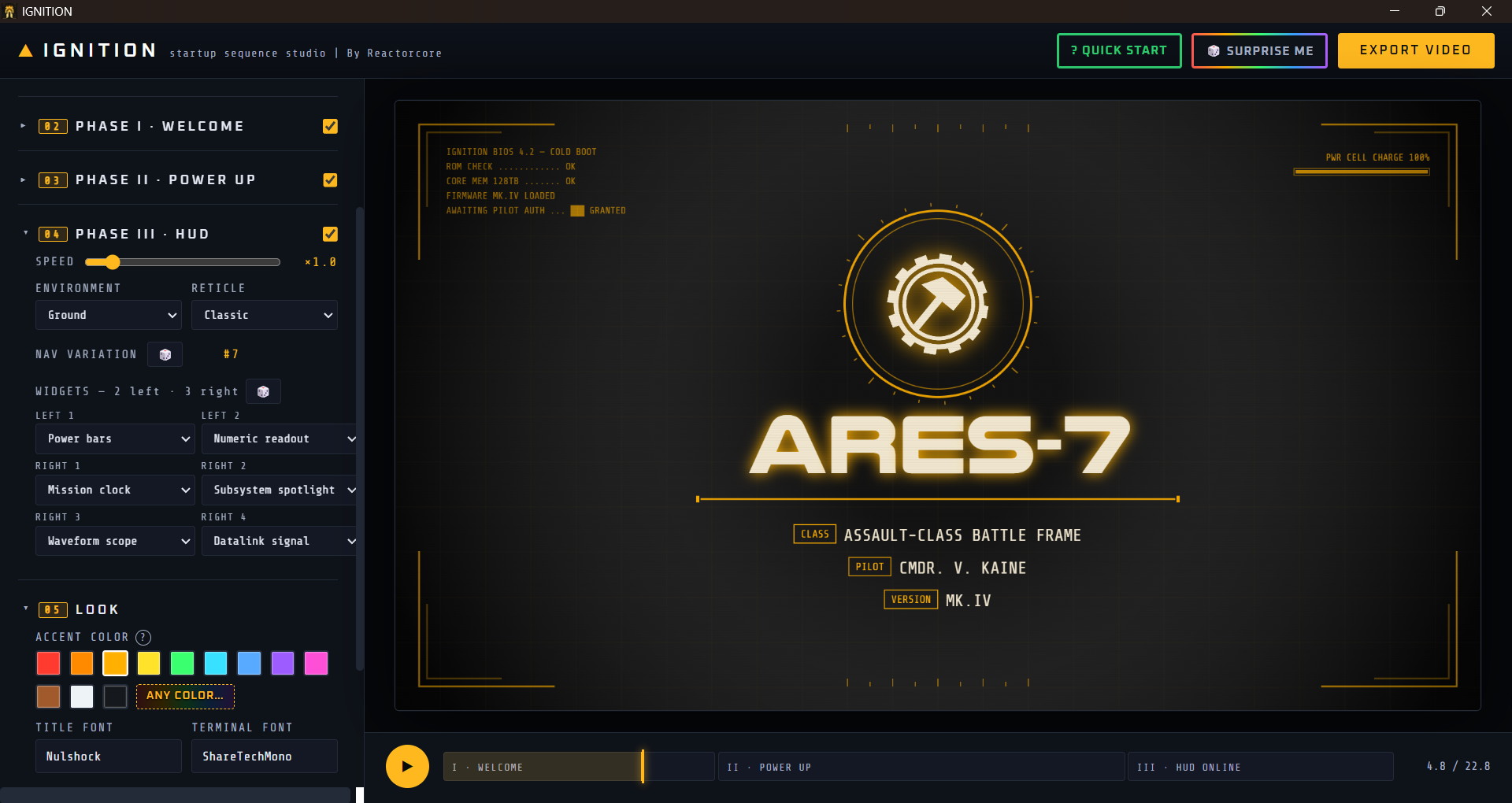
1. Welcome Phase
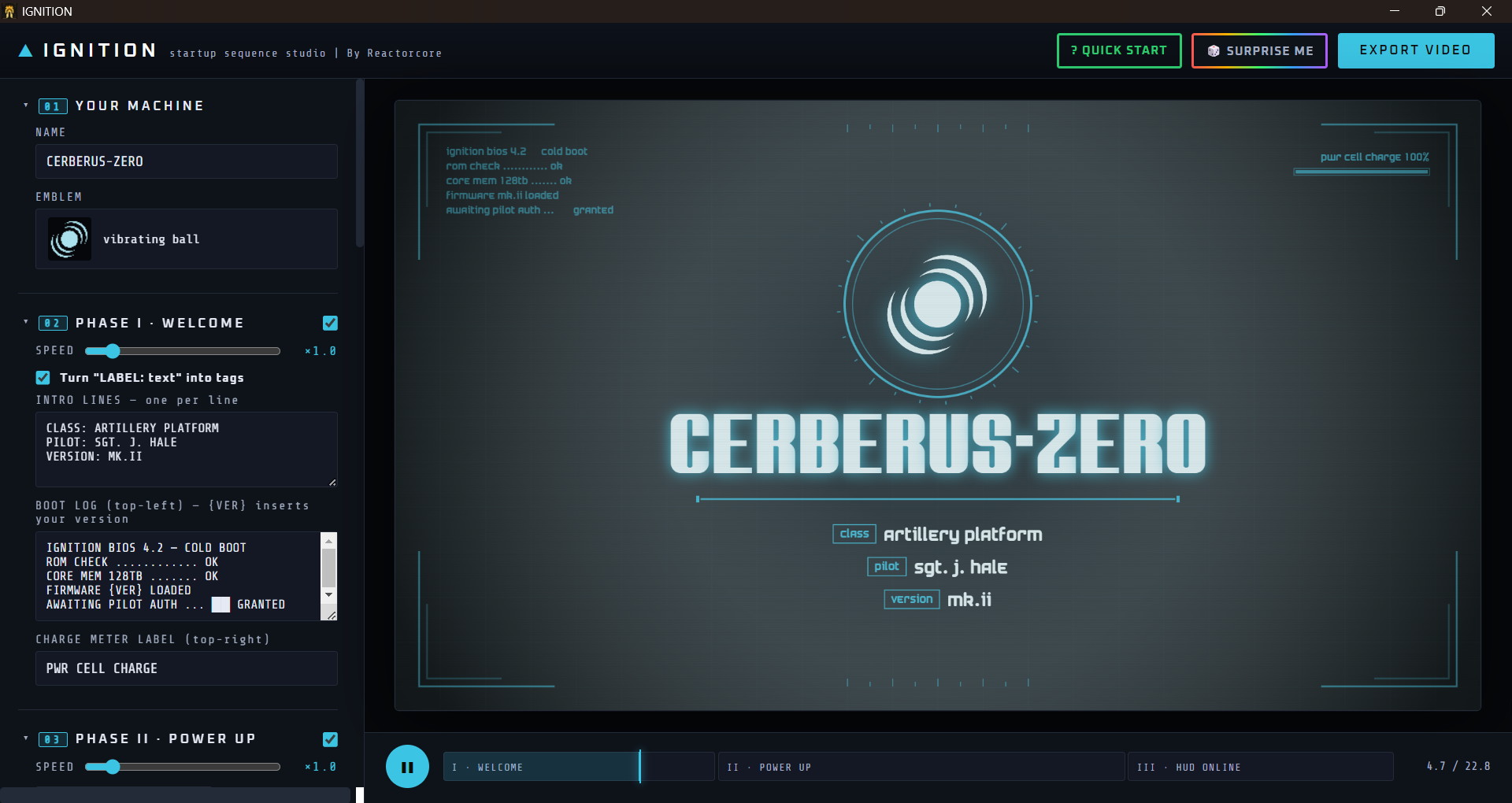
Initial screen that shows the title of the machine, its icon, and other basic info text like purpose, version number, manufacturer, pilot, etc.
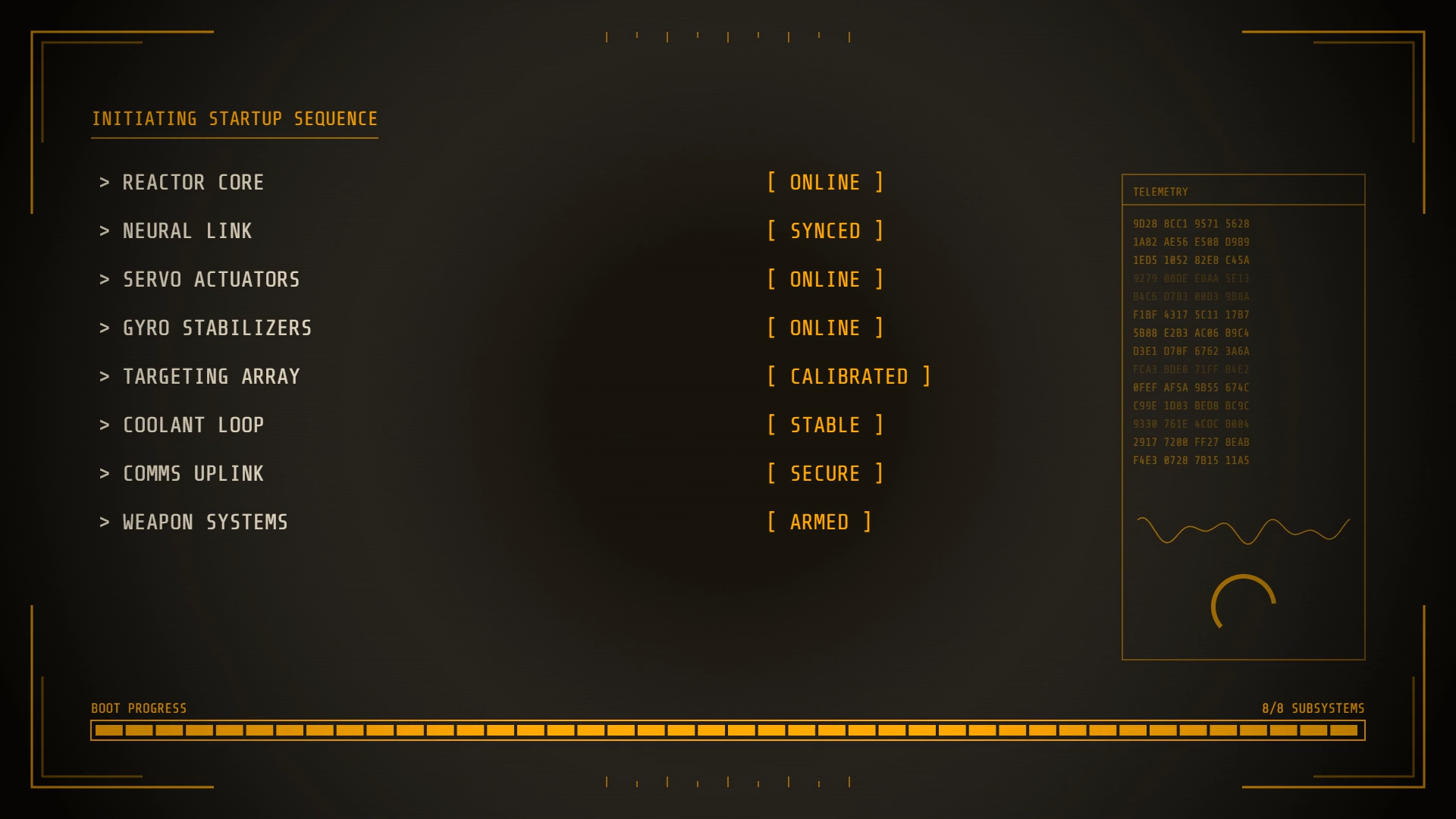
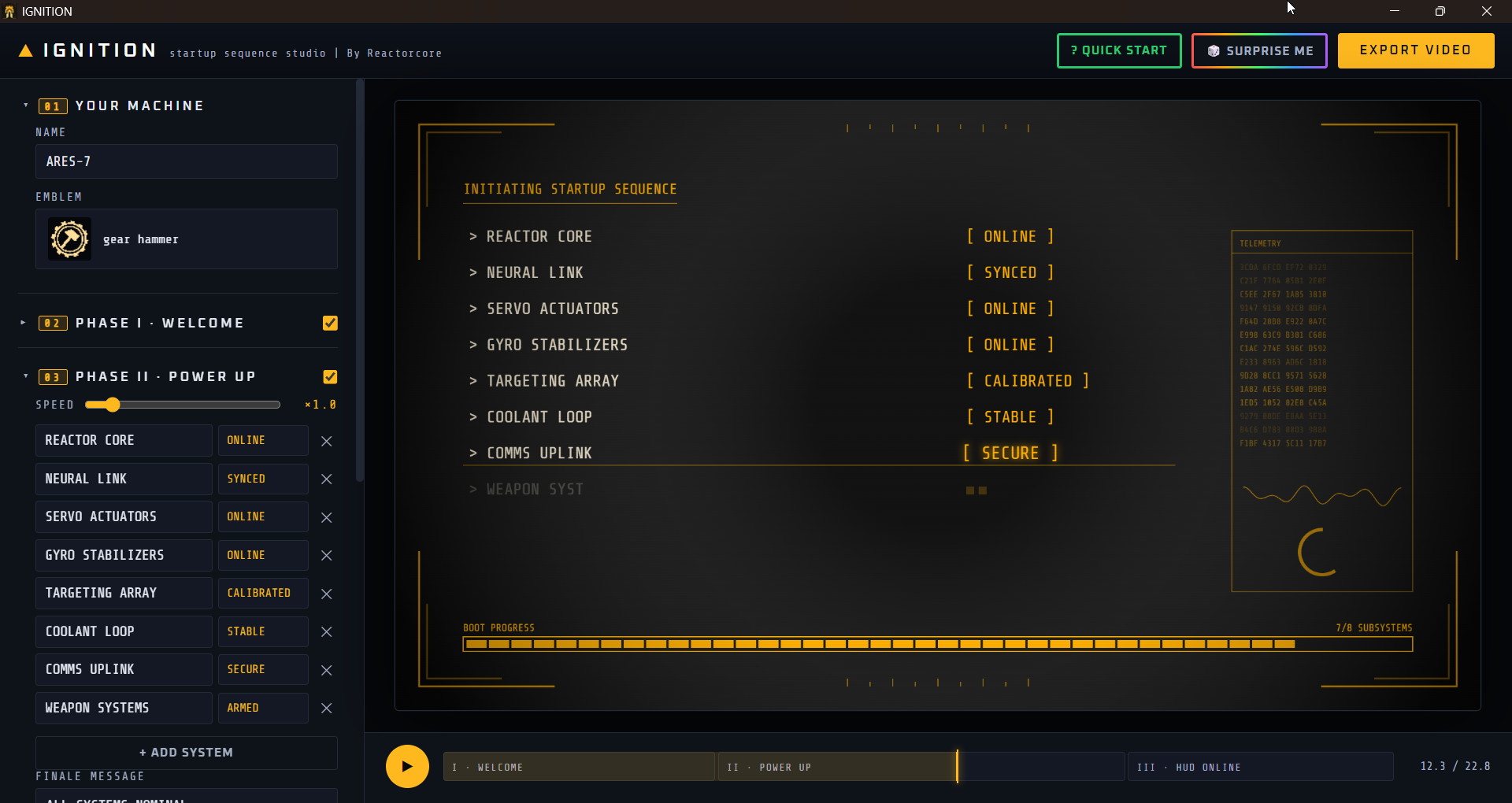
2. Subsystem Components Phase
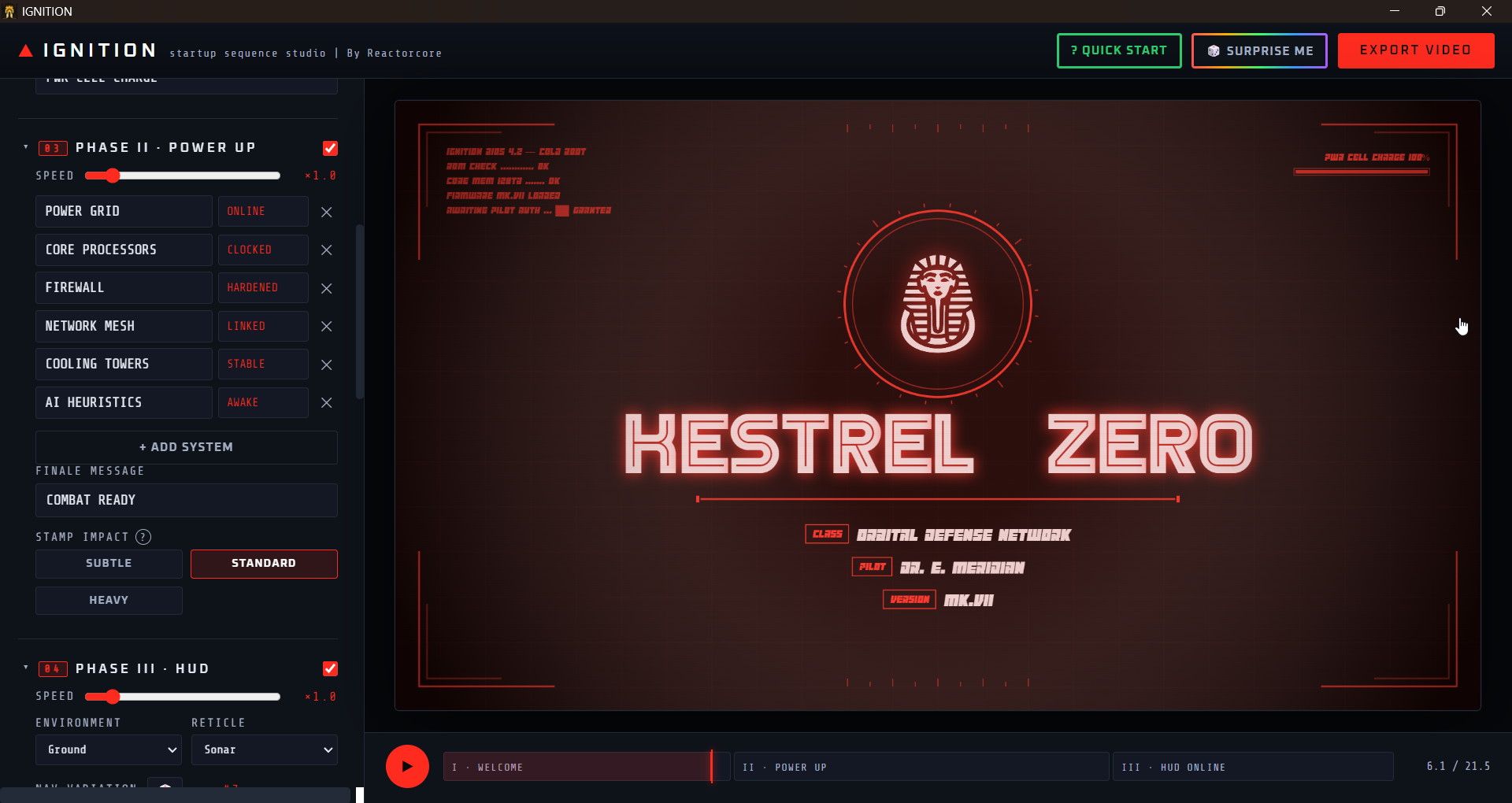
A list of different modules or systems that are part of the mecha turn on one-by-one, like reactor, sensors, weapons, shields, electronics and whatever you want, up to 12 items!
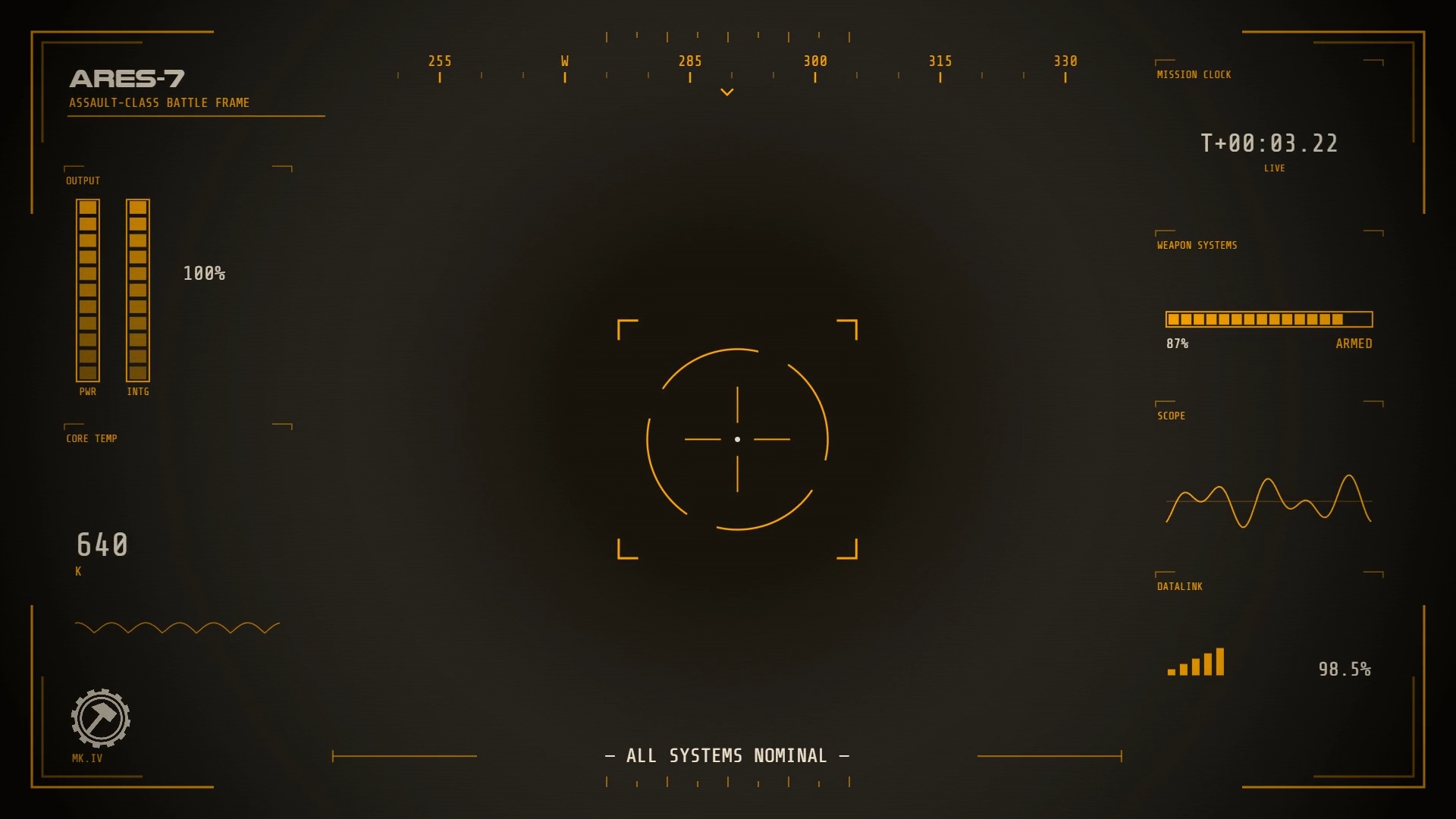
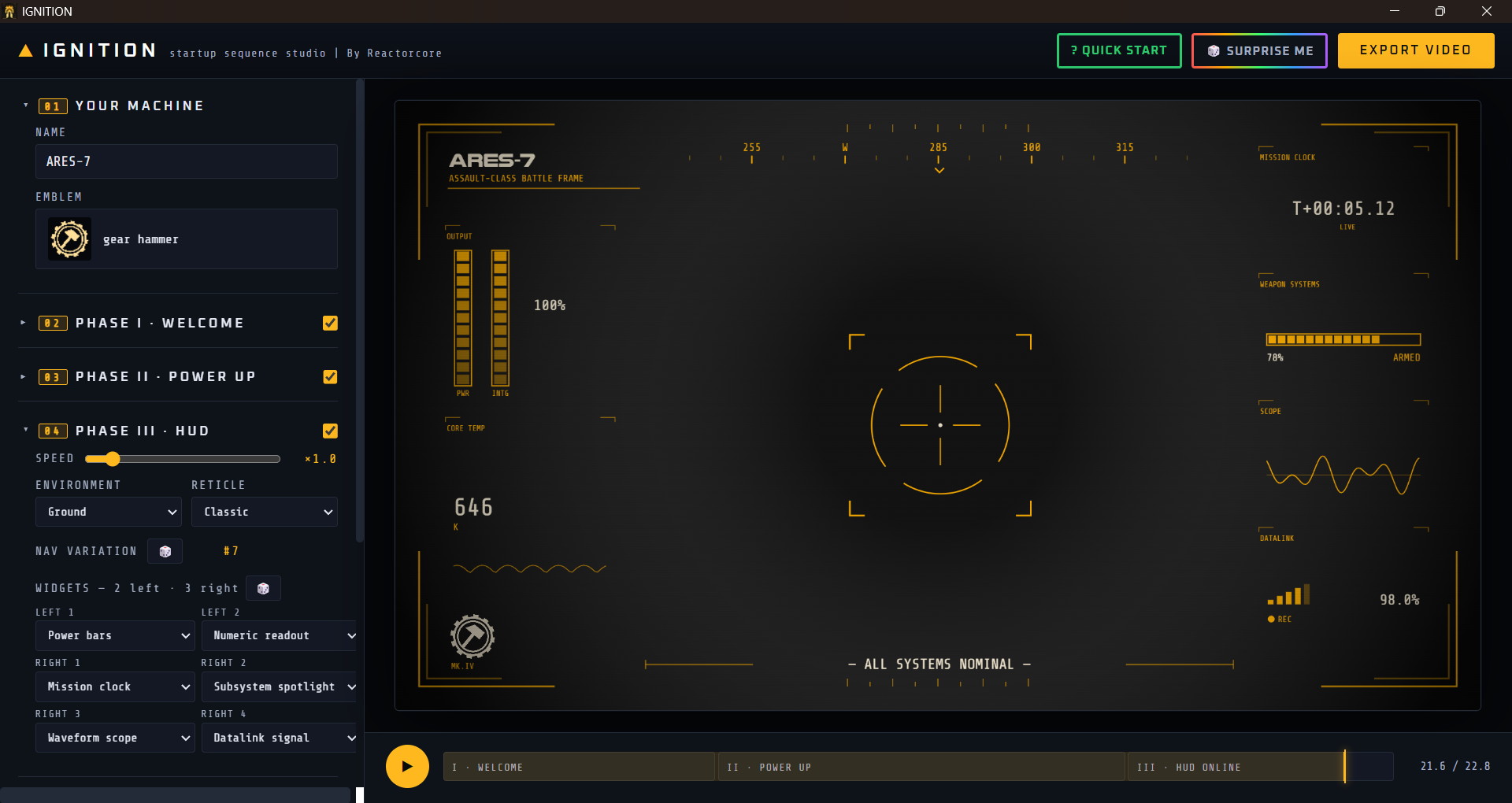
3. HUD Appears Phase
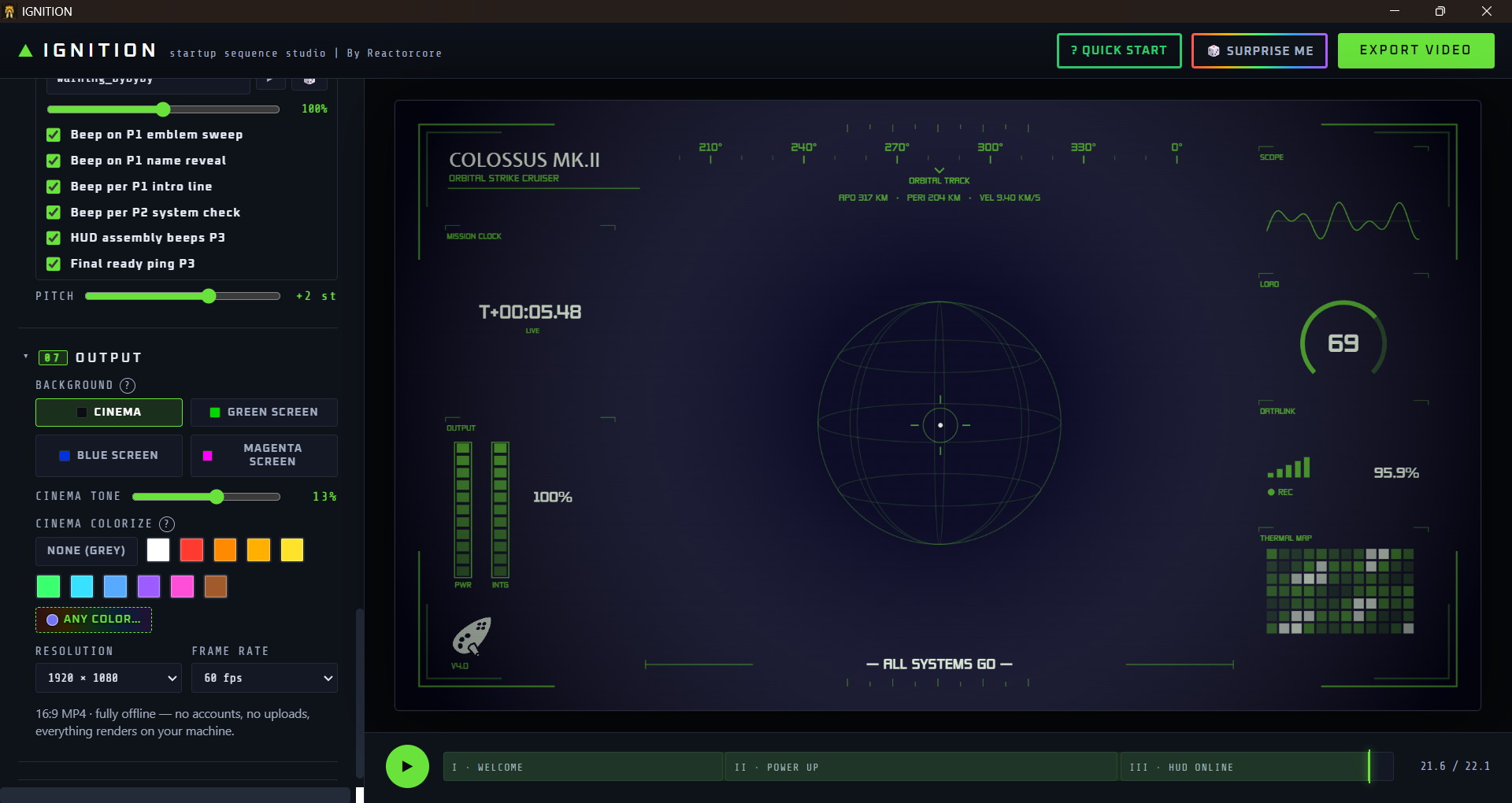
The mecha is finally ready to kick ass and the first-person HUD shows up, giving a sense of "hell yeah, its time to rock and roll!"
You can change these things:
- Name/Title
- Icon (4000+ icons included to choose from + your own)
- All minor intro texts
- Fonts (280+ fonts included to choose from + your own)
- Sounds (500+ sounds included to choose from + your own)
- Subsystem Components and the order in which they are listed
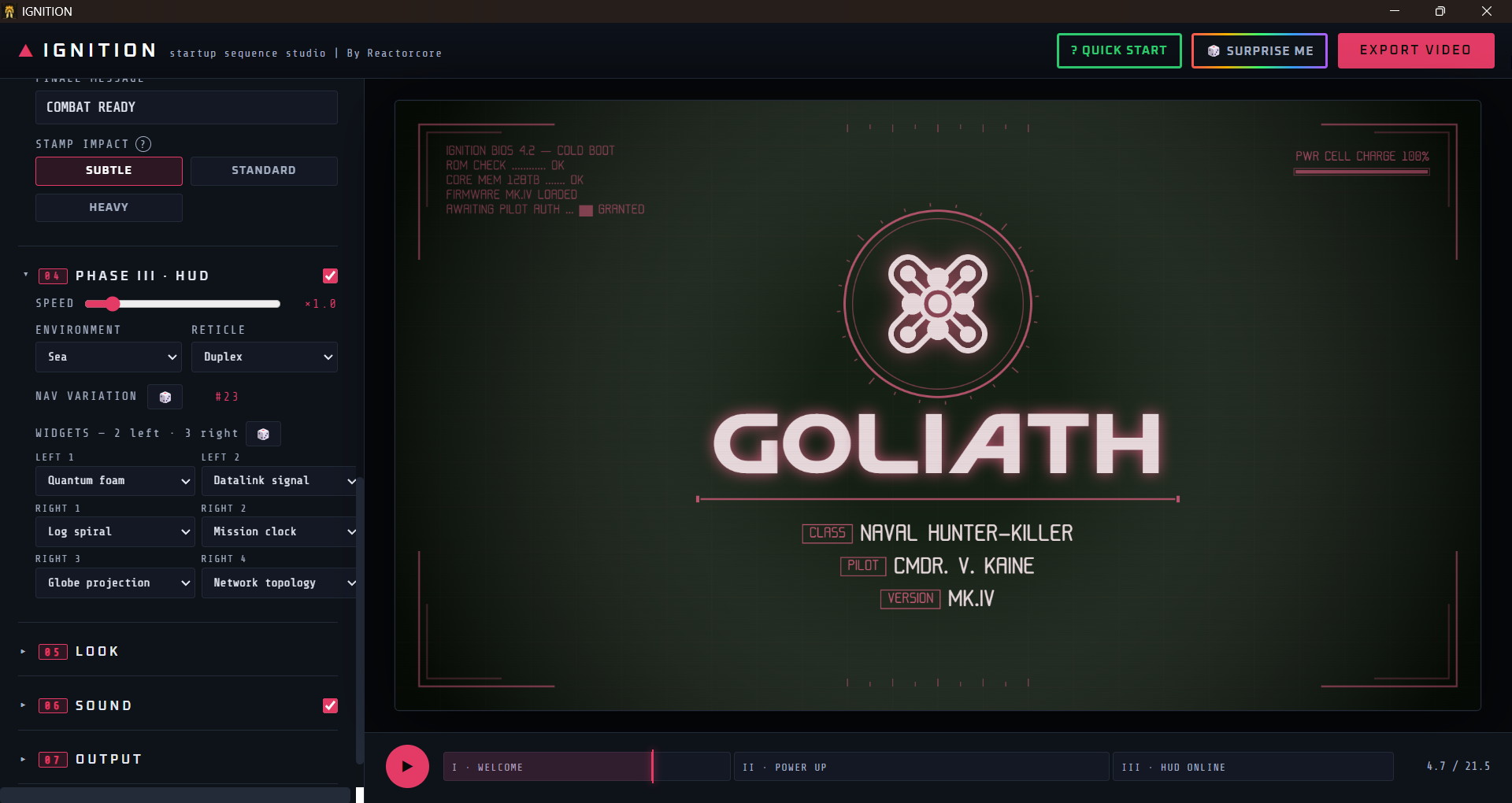
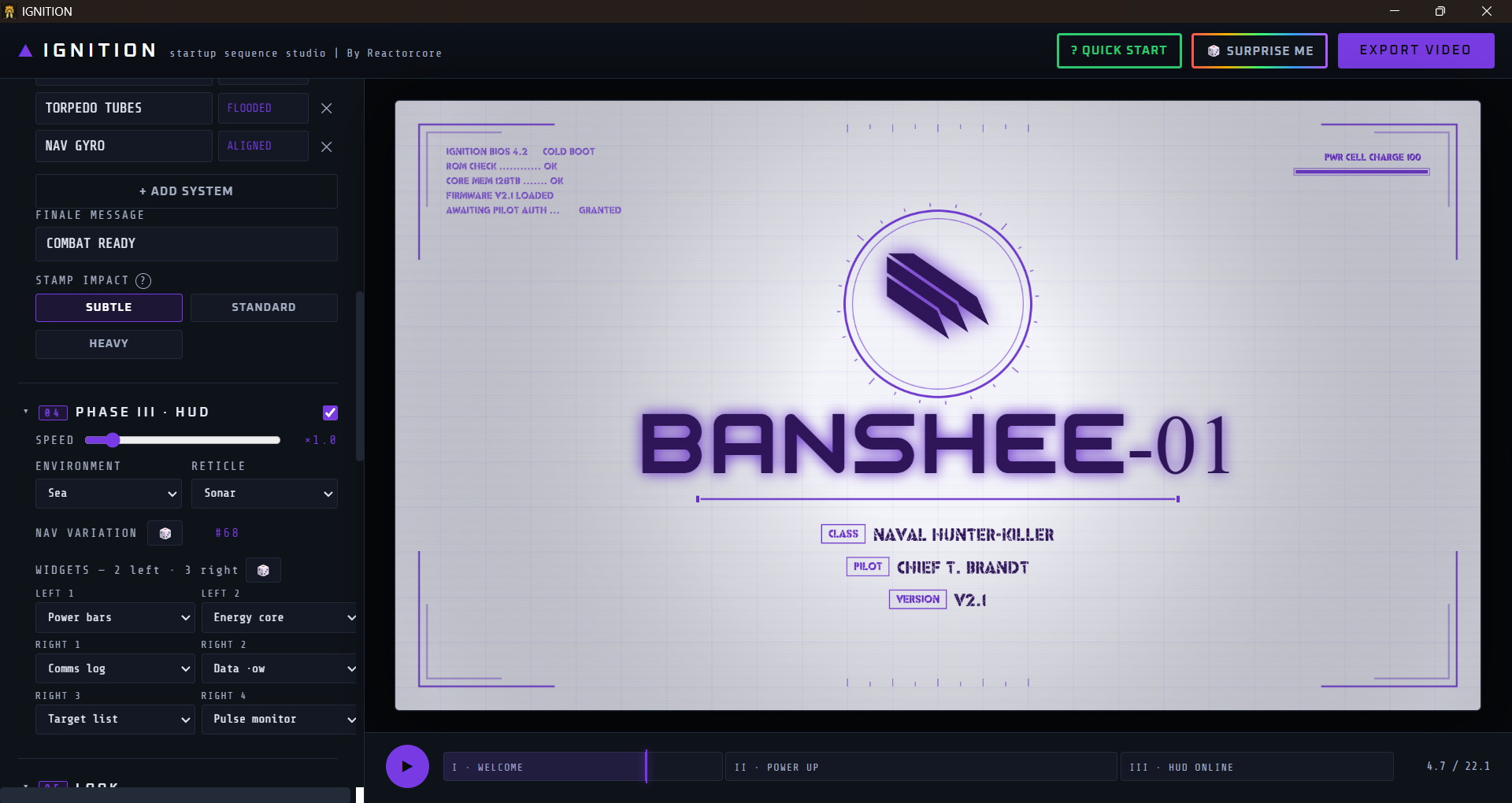
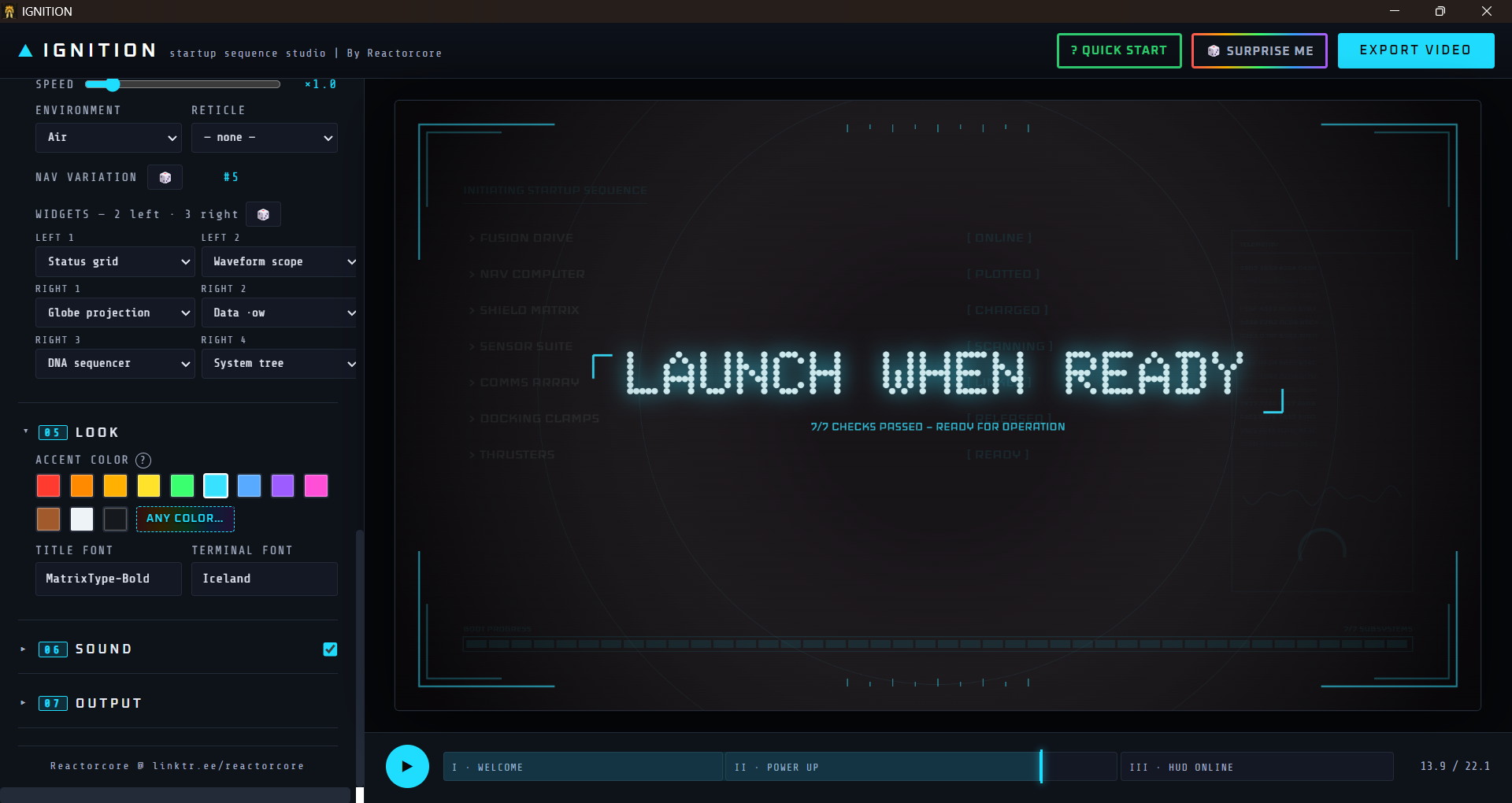
- HUD widget elements (36 cool visual animated elements)
- HUD reticle/crosshair + compass for ground, air, sea, space modes
- HUD Accent Color
- Background Color
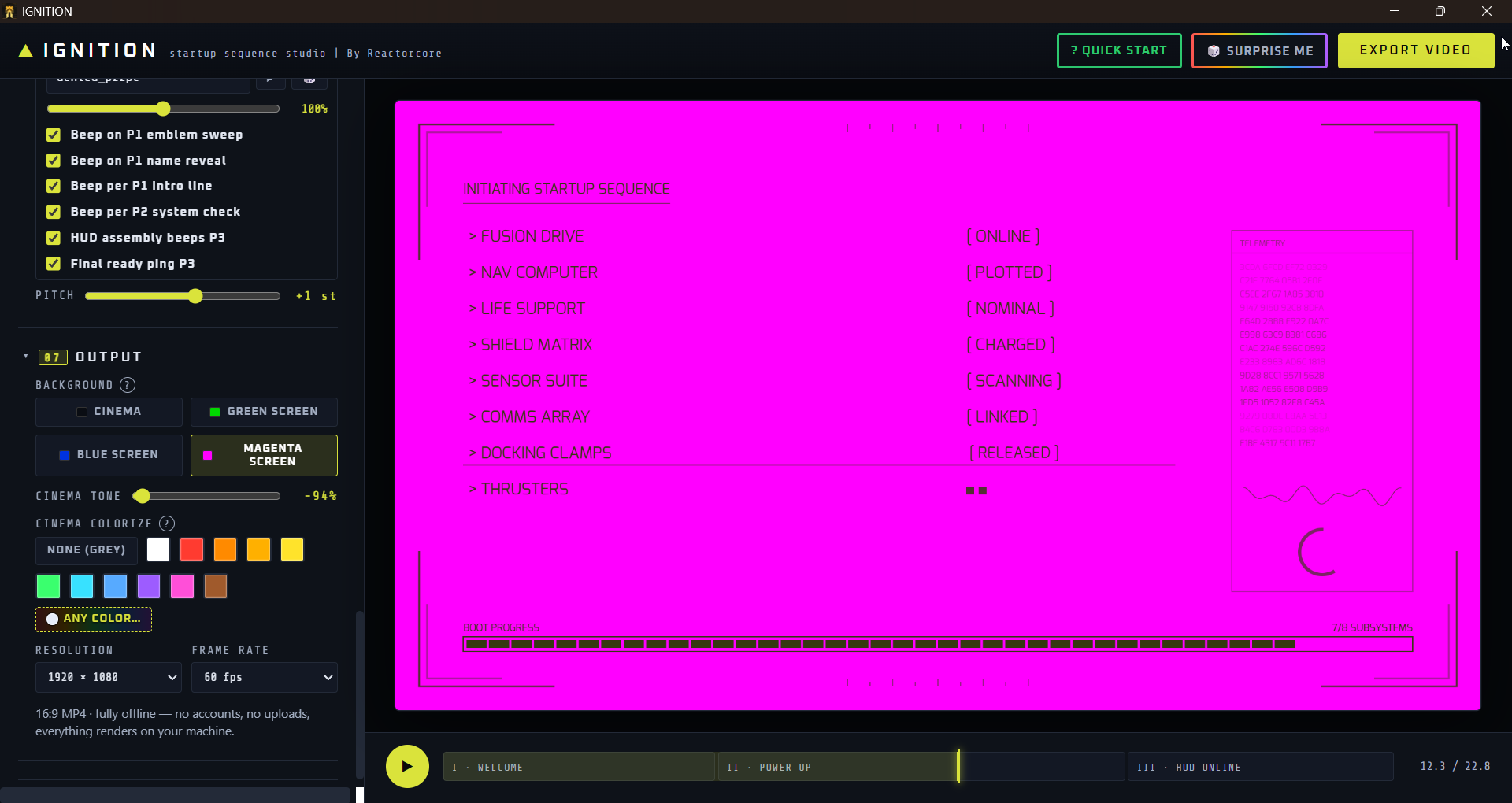
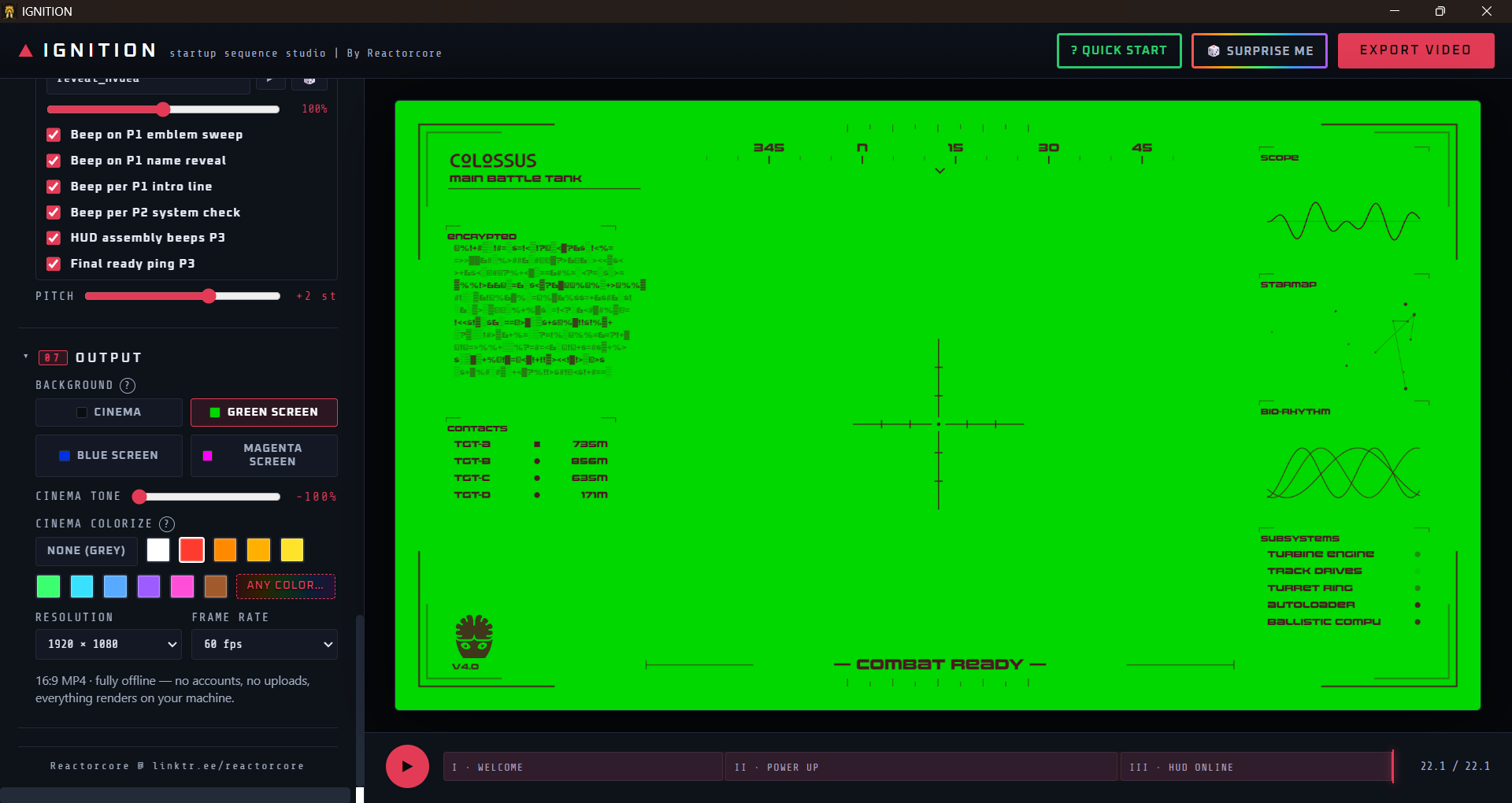
- Set to Green/Blue/Purple Screen mode so you can use the video as an overlay via chroma key in your favorite video editor
- Many elements can be turned on/off as needed
- Speed/length of each phase in the video can be made faster/shorter or slower/longer
Randomizer Included
A SURPRISE ME button rerolls the entire thing when you want ideas.
With a single click, you get a completely different fresh template with new fonts, new icon, new widgets, new colors, new sounds. You can then further edit it to fine-tune it to the exact content and style you want. Its super easy to use!
The program is moddable/extendable too; you can also add more icon images (PNG), fonts (TTF), and sounds (WAV, OGG, MP3) into the program to use your own resources too!
Requirements & Performance
Tested on Windows 11.
Unzipped the program folder is about 388 MB in size.
On a mid-range gaming laptop (ASUS TUF Gaming A15, 4GB VRAM), the time to render the final video is about 5-10 minutes (assuming 1920x1080p 60fps output - lower than that will be faster).
However, the video preview inside the app is instant and you see the changes reflect in the video immediately - even as it plays!
---
Check out everything else I do: ✨🚀
-Reactorcore
Purchase
In order to download this tool you must purchase it at or above the minimum price of $8 USD. You will get access to the following files:
Development log
- IGNITION v1.4.02 days ago
Leave a comment
Log in with itch.io to leave a comment.