CoW Unit Sprite Suite
A downloadable tool for Windows
CoW Unit Sprite Suite
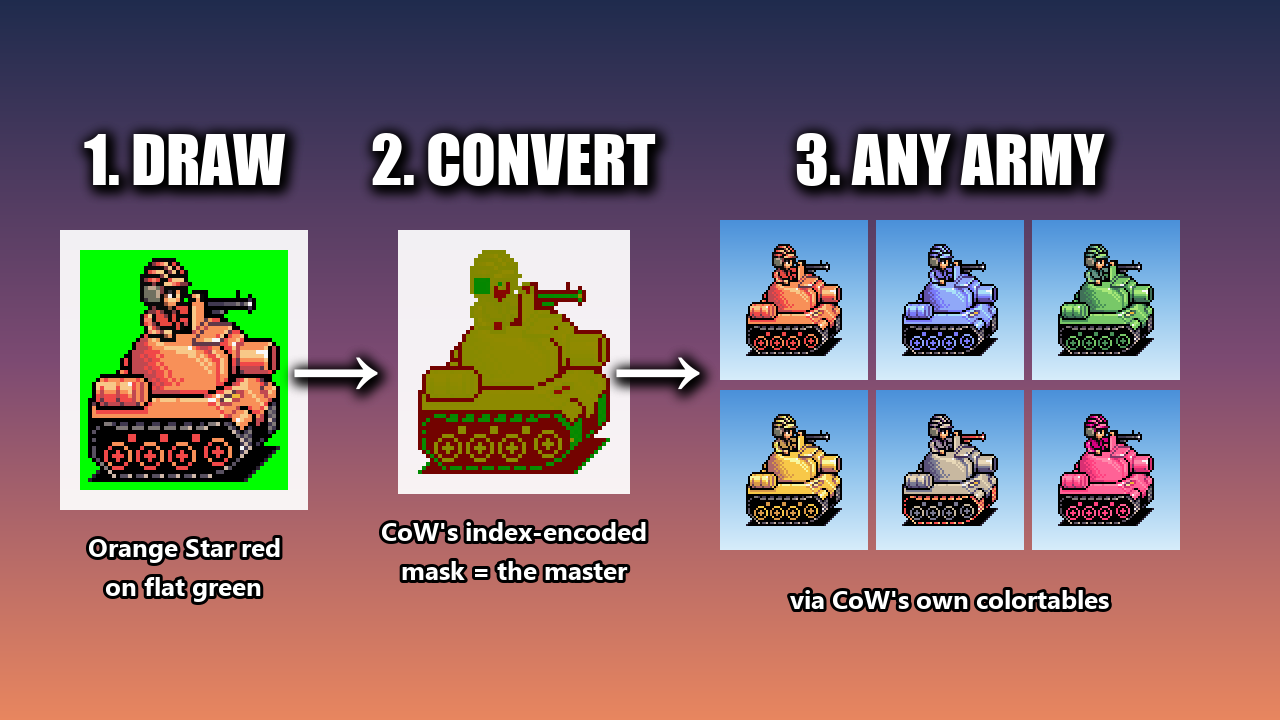
Draw your units in plain Orange Star red. Let the suite handle the mask format.
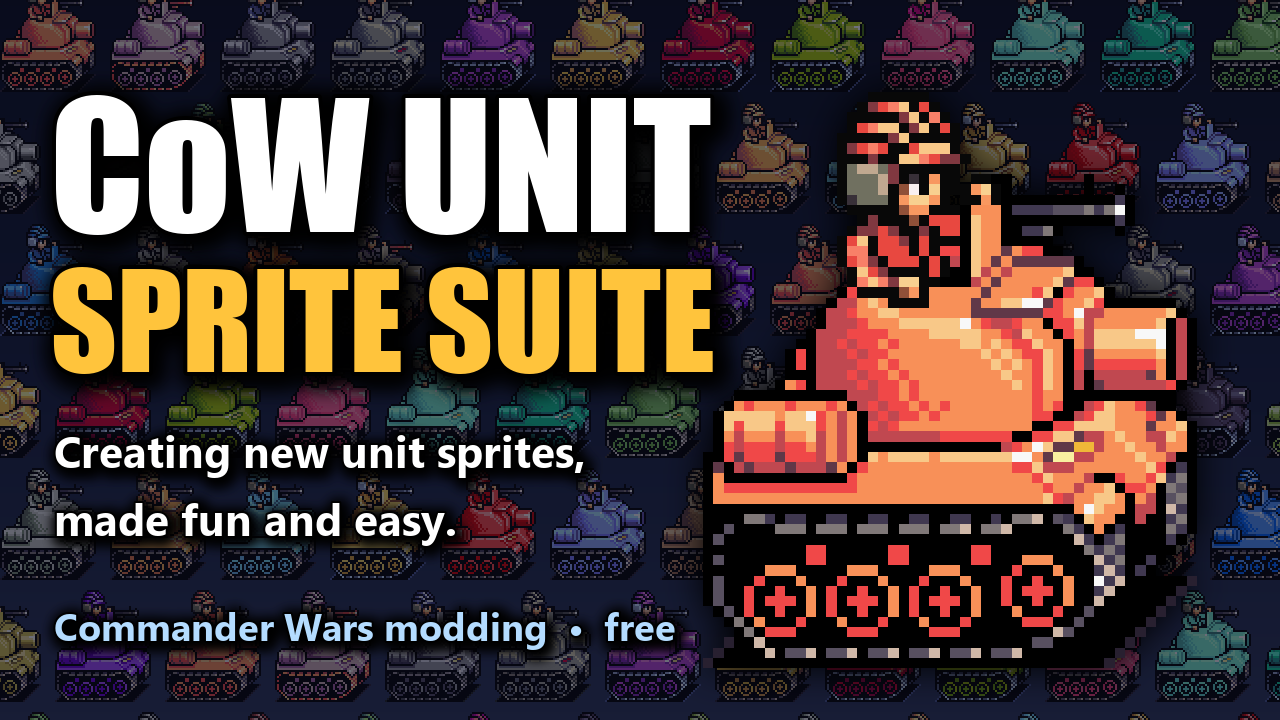
A free workflow toolkit for making new unit sprites for Commander Wars, the open-source Advance Wars-style strategy game.
Why
Commander Wars stores unit sprites in a special mask format, nicknamed the "ugly palette": washed-out greens and browns whose red and green channels are really just coordinates into a color table - not something you look at:
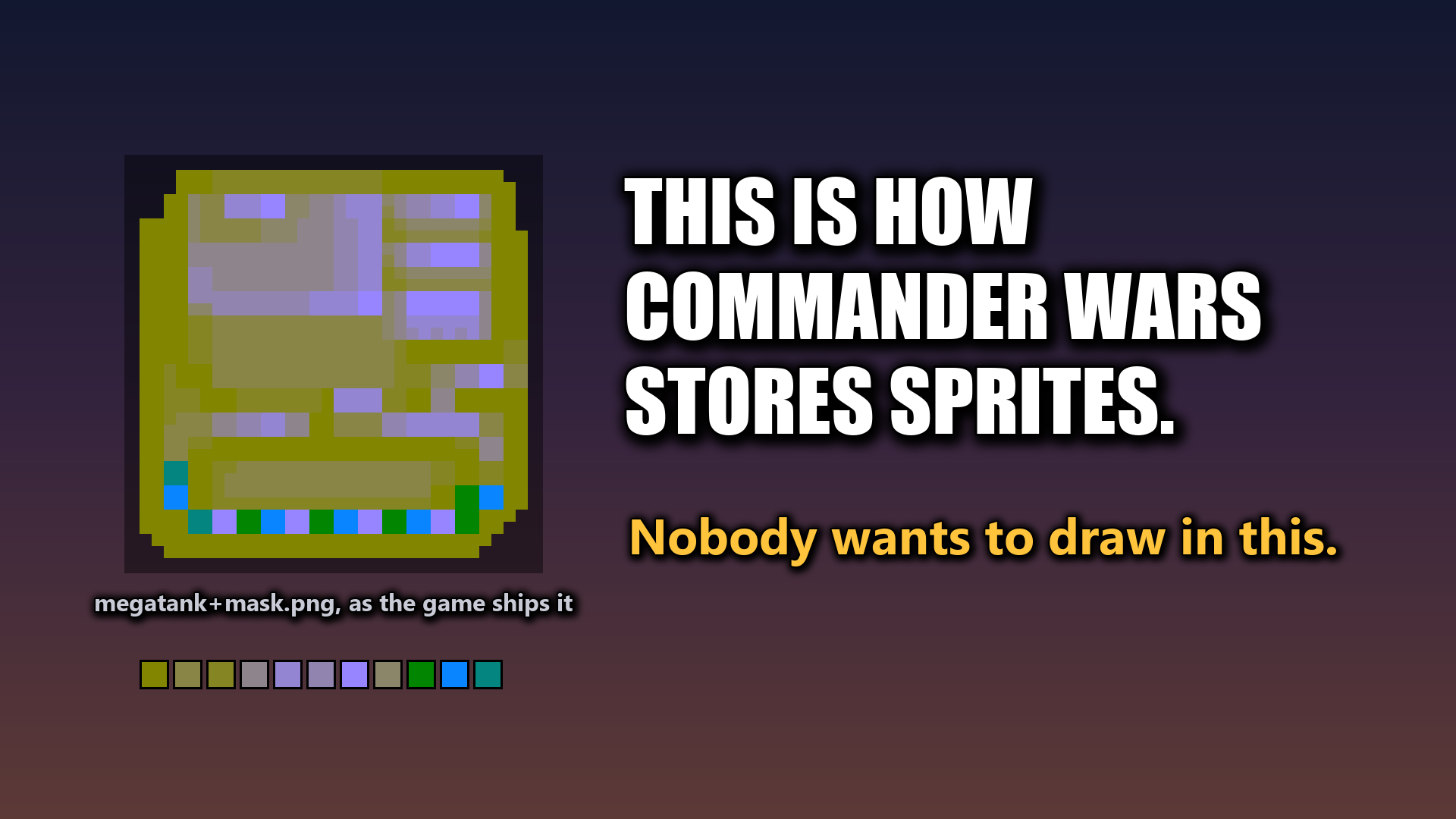
Although this method and technology has the great benefit of how one file serves every army with just a palette swap... but drawing in that format directly feels bizarre and awkward.
With this suite you draw in normal Orange Star colors, like the original games, and convert to the mask whenever you need the game file.
Existing sprites already in the ugly palette can be viewed afterwards in any team palette and exported to any team color you want!
What's inside
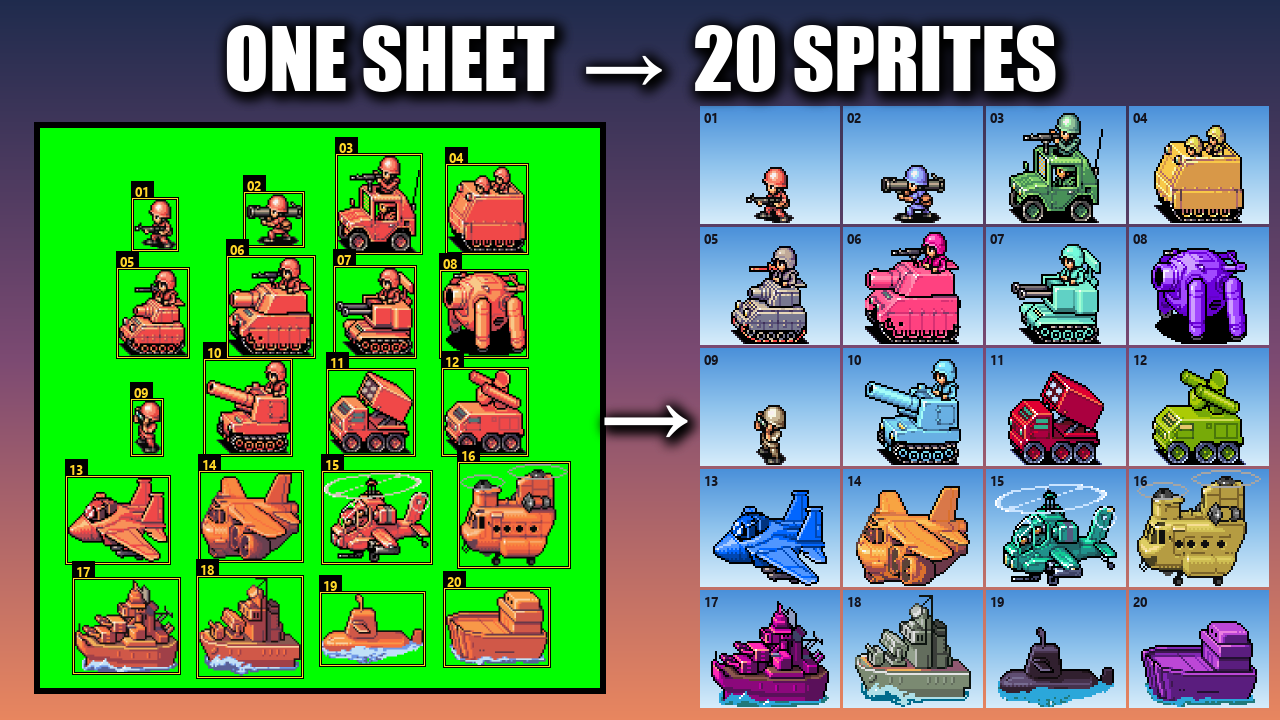
- Sprite converter — the heart of the suite. Draw in Orange Star red on a flat green background, one unit per image or a whole sheet of them. The suite cuts units apart, finds each one's true pixel scale, snaps colors to the game's palette and writes the finished
+mask.pngthe game reads.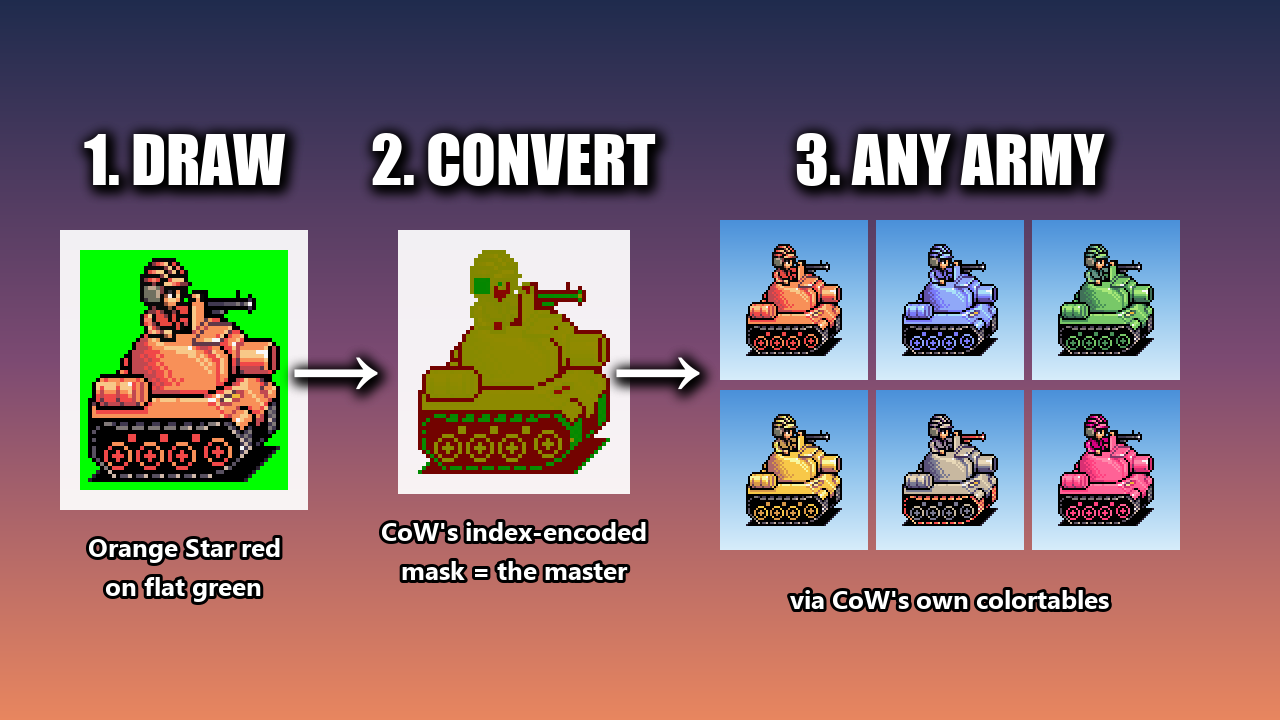
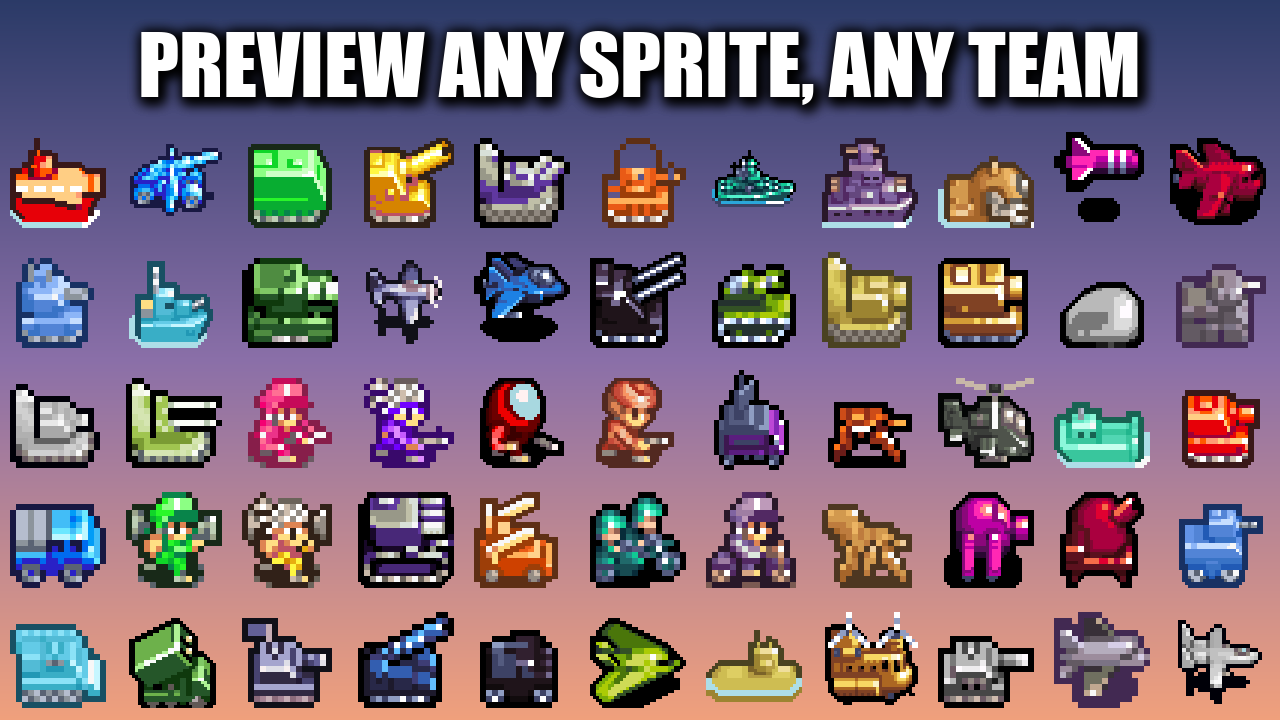
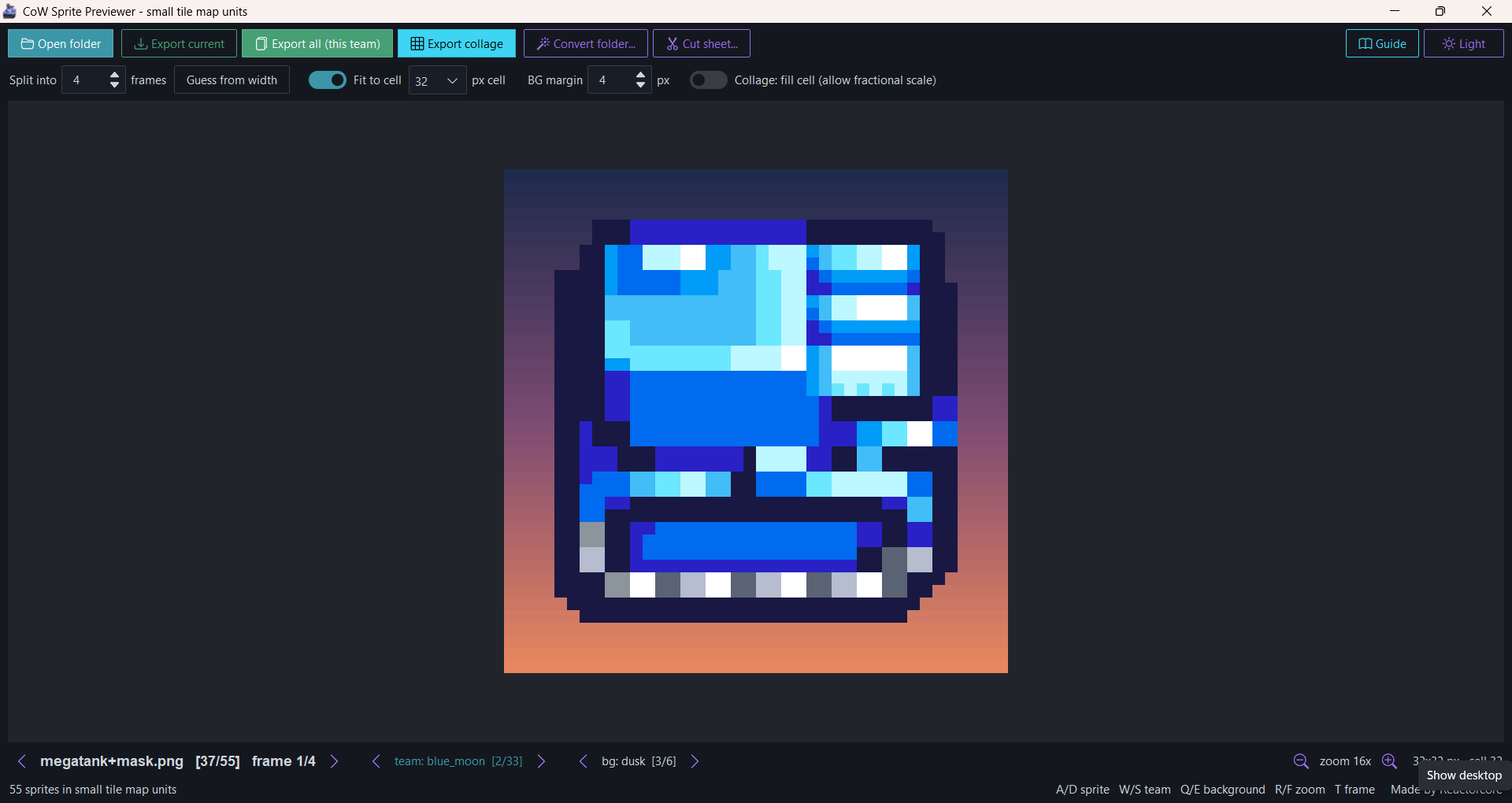
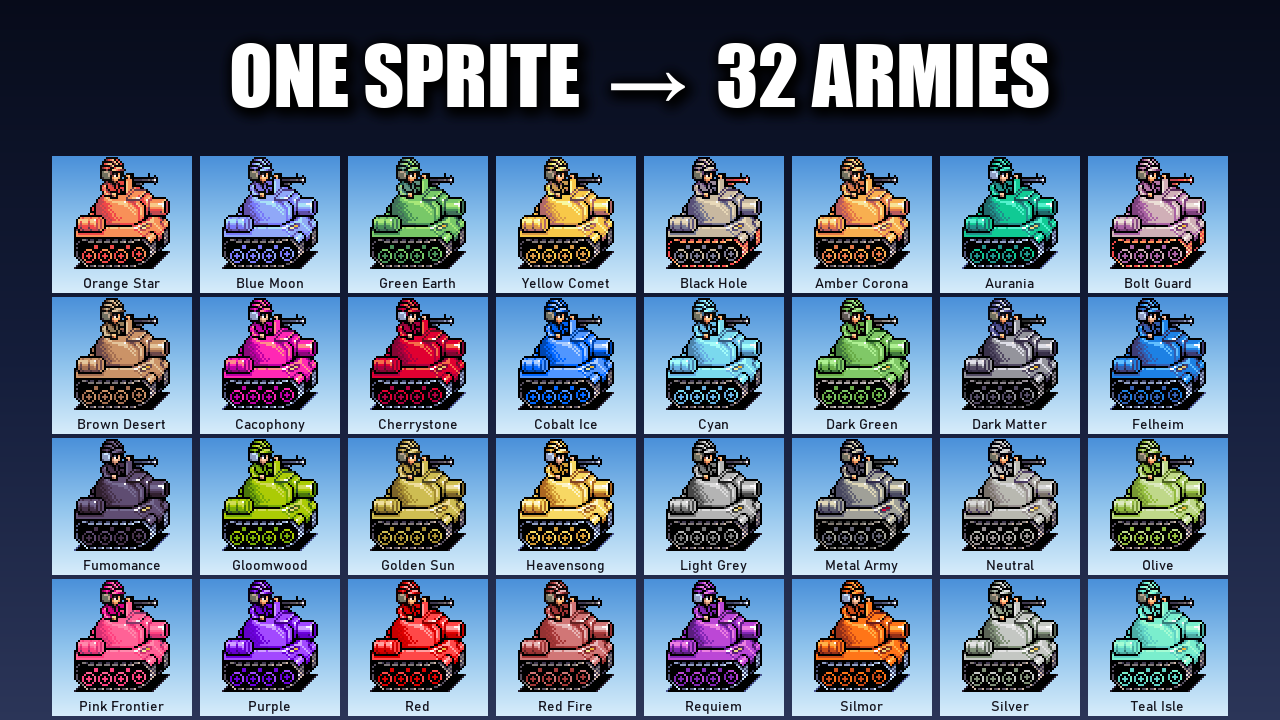
- Previewer — check any mask sprite in proper team colors on four time-of-day backgrounds. As a bonus it can show and export units in any of CoW's 32 armies, handy for showing your work off to the community.
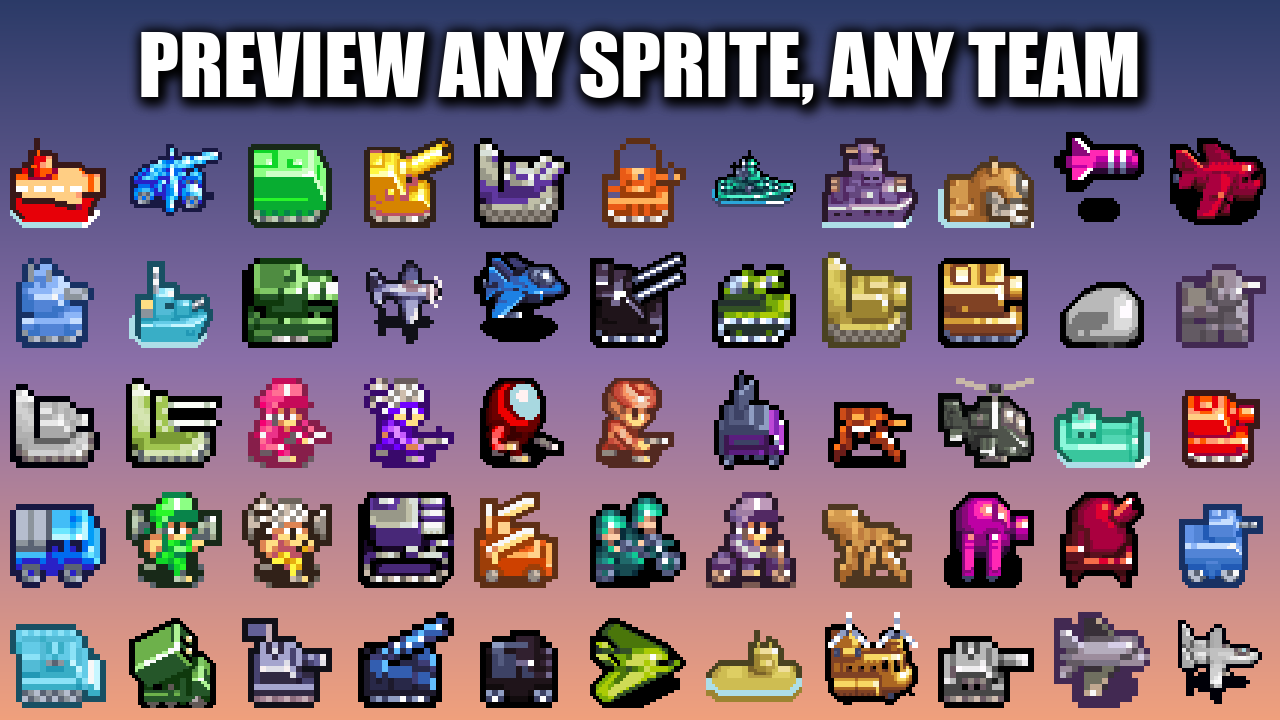
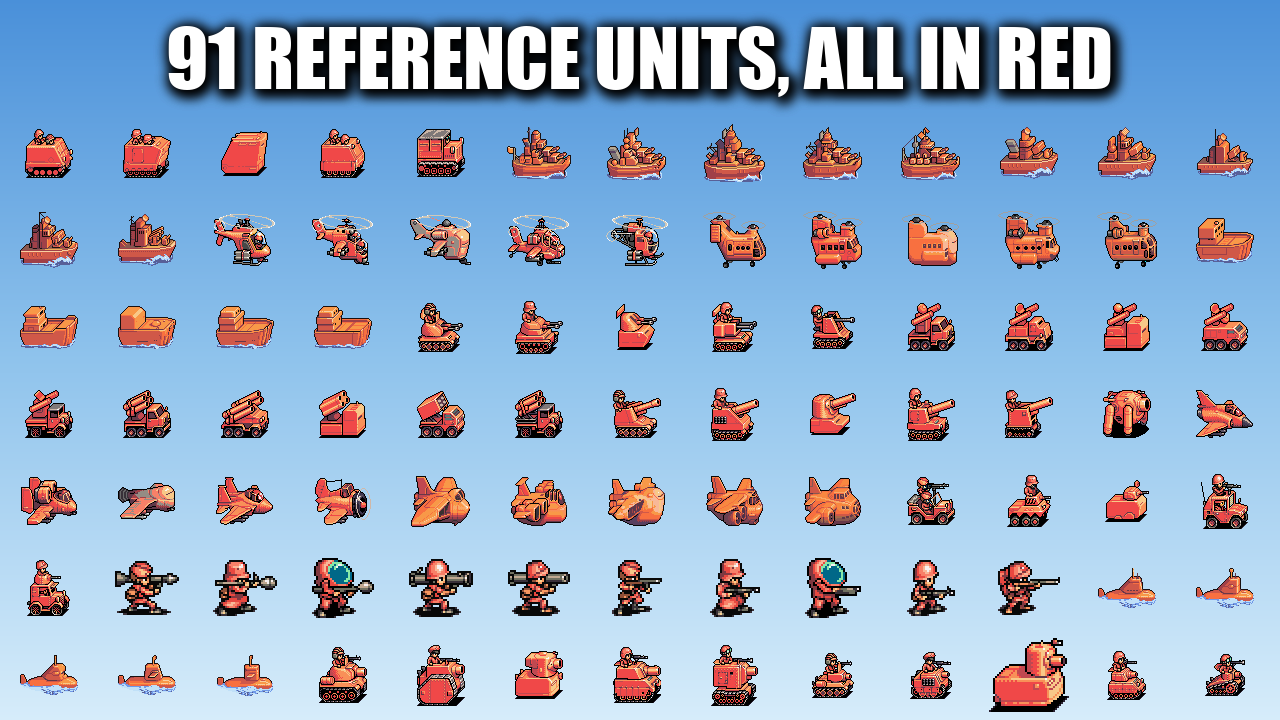
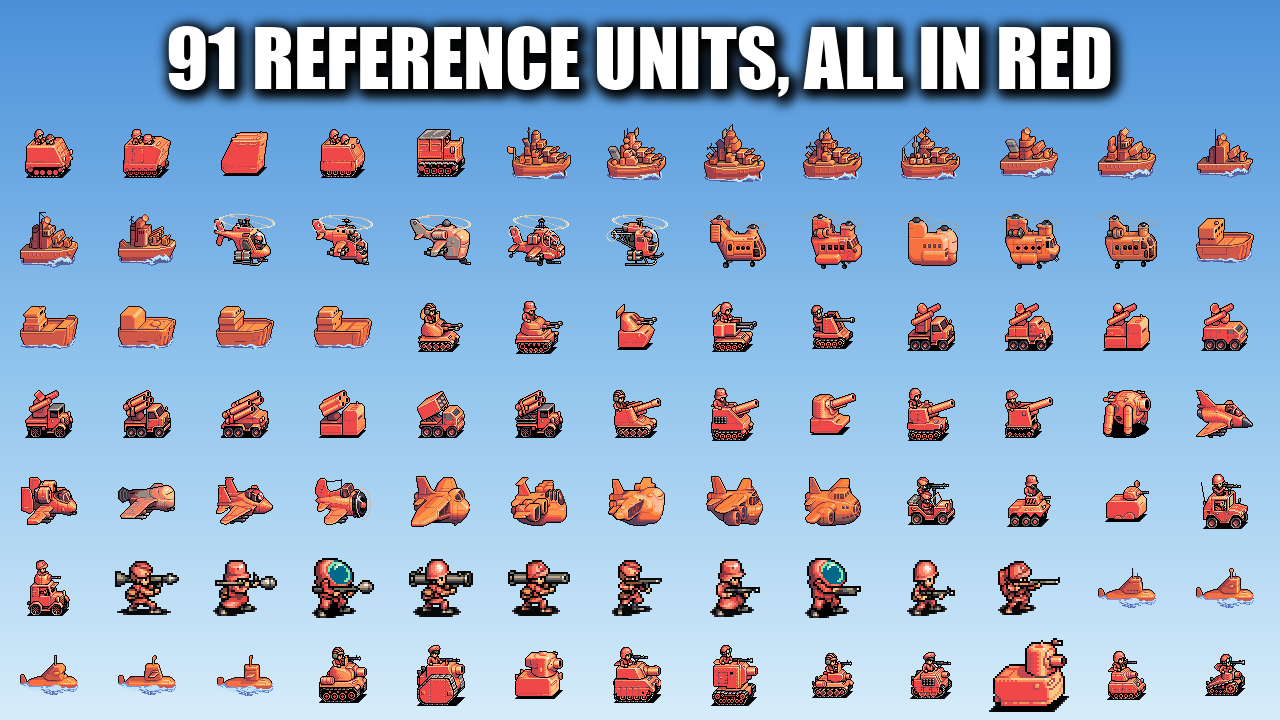
- 91 reference units — every Advance Wars 2 unit from all five armies, recolored to Orange Star red, plus exact per-class palettes to draw with.
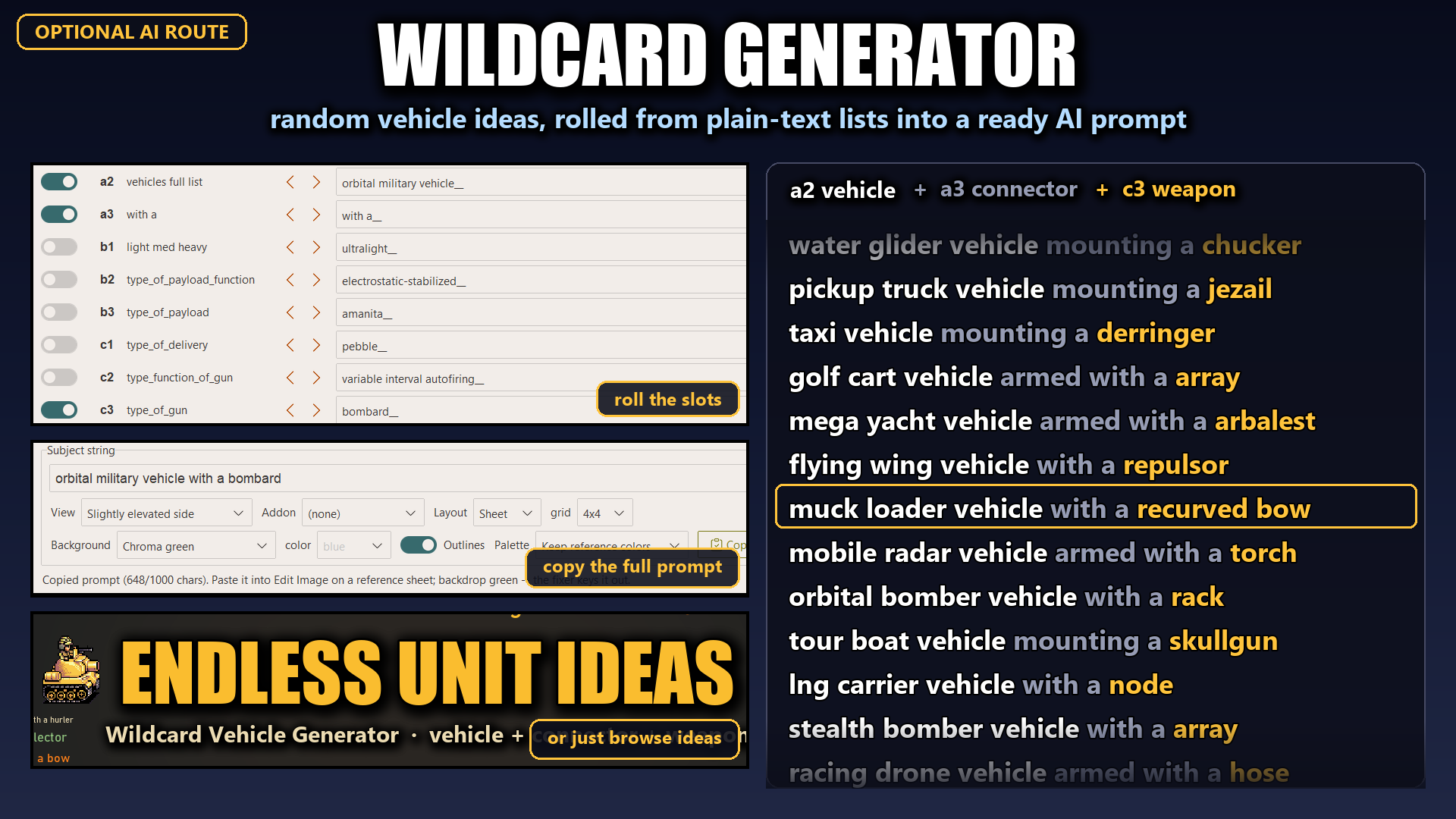
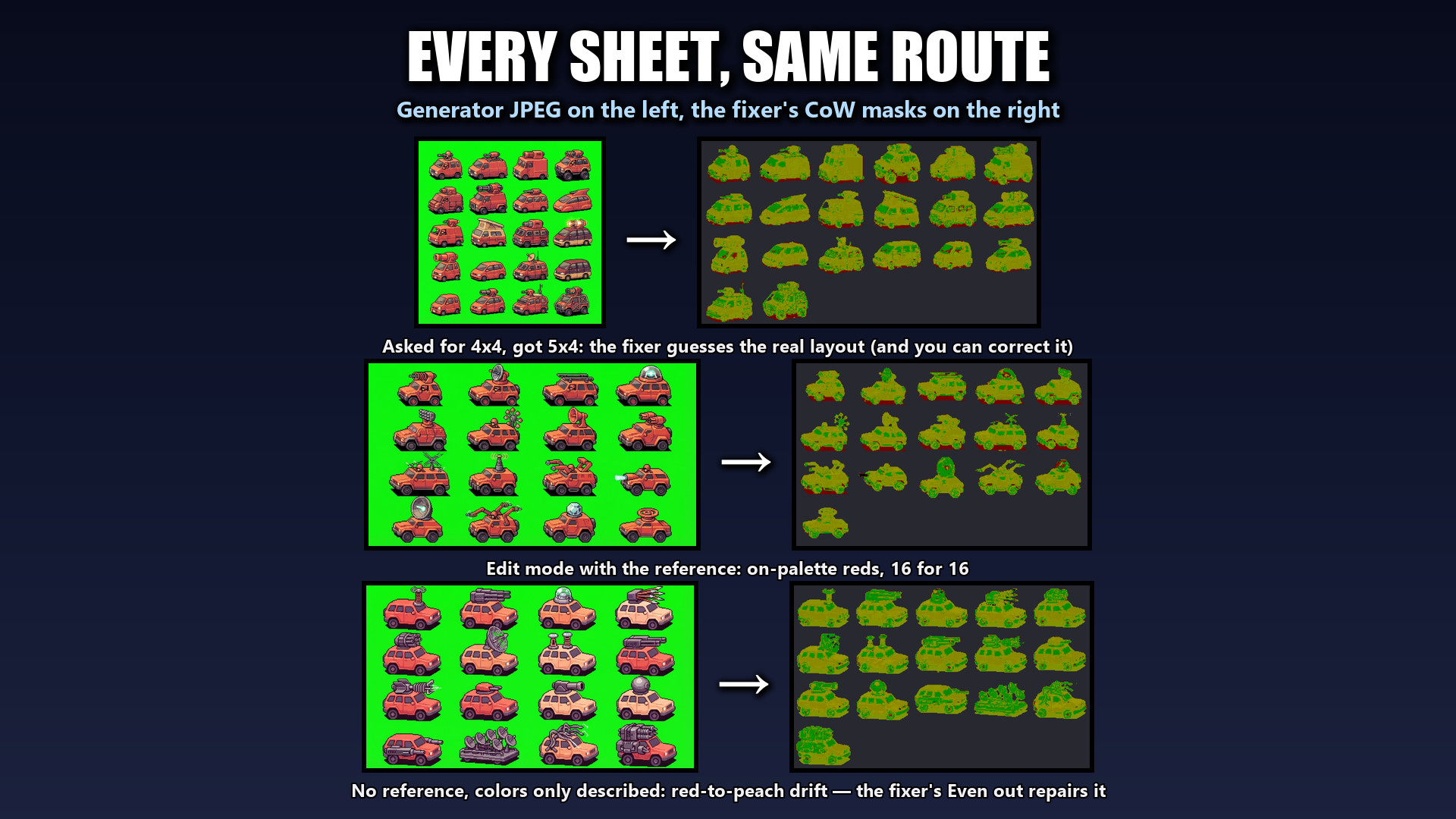
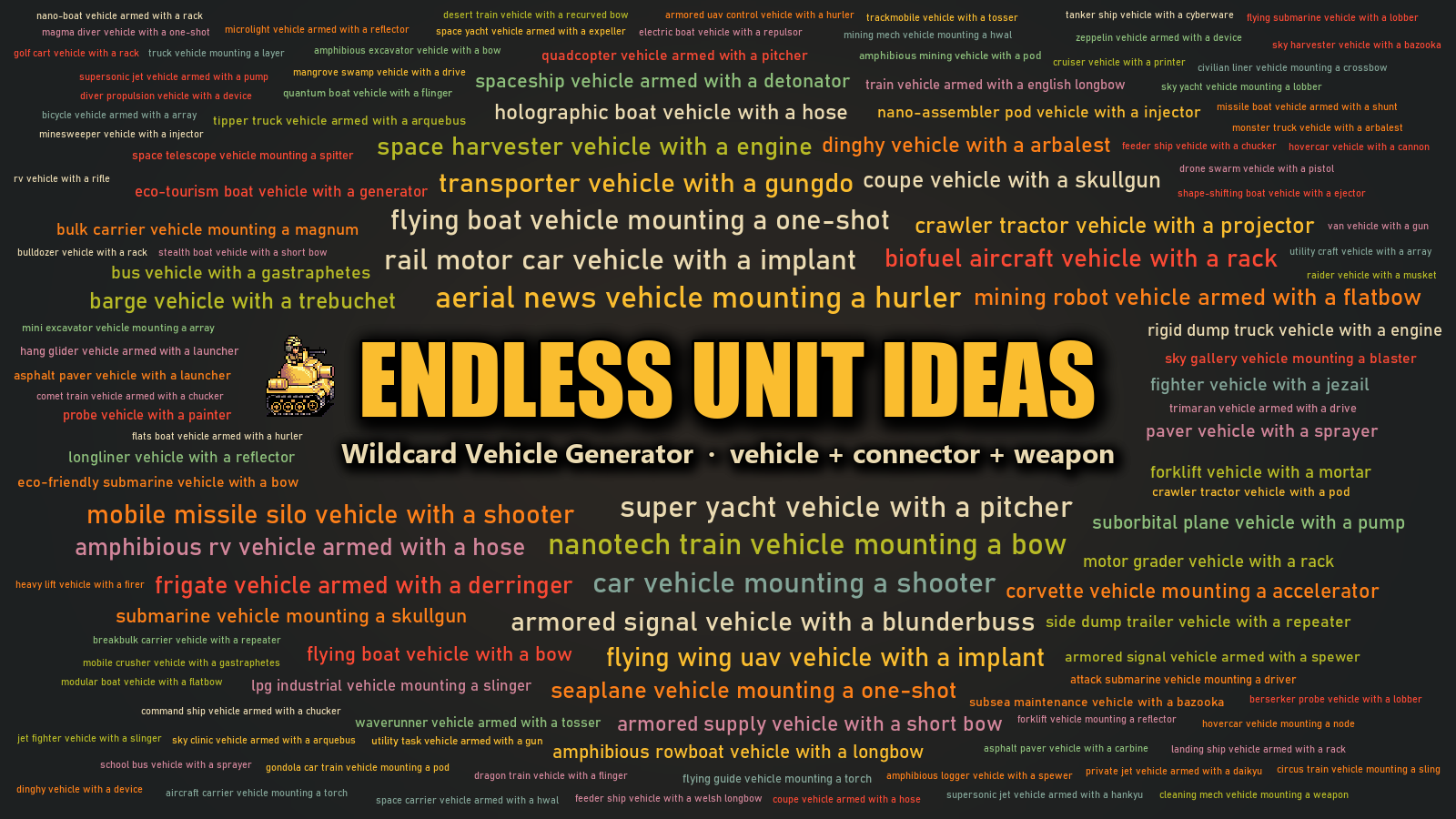
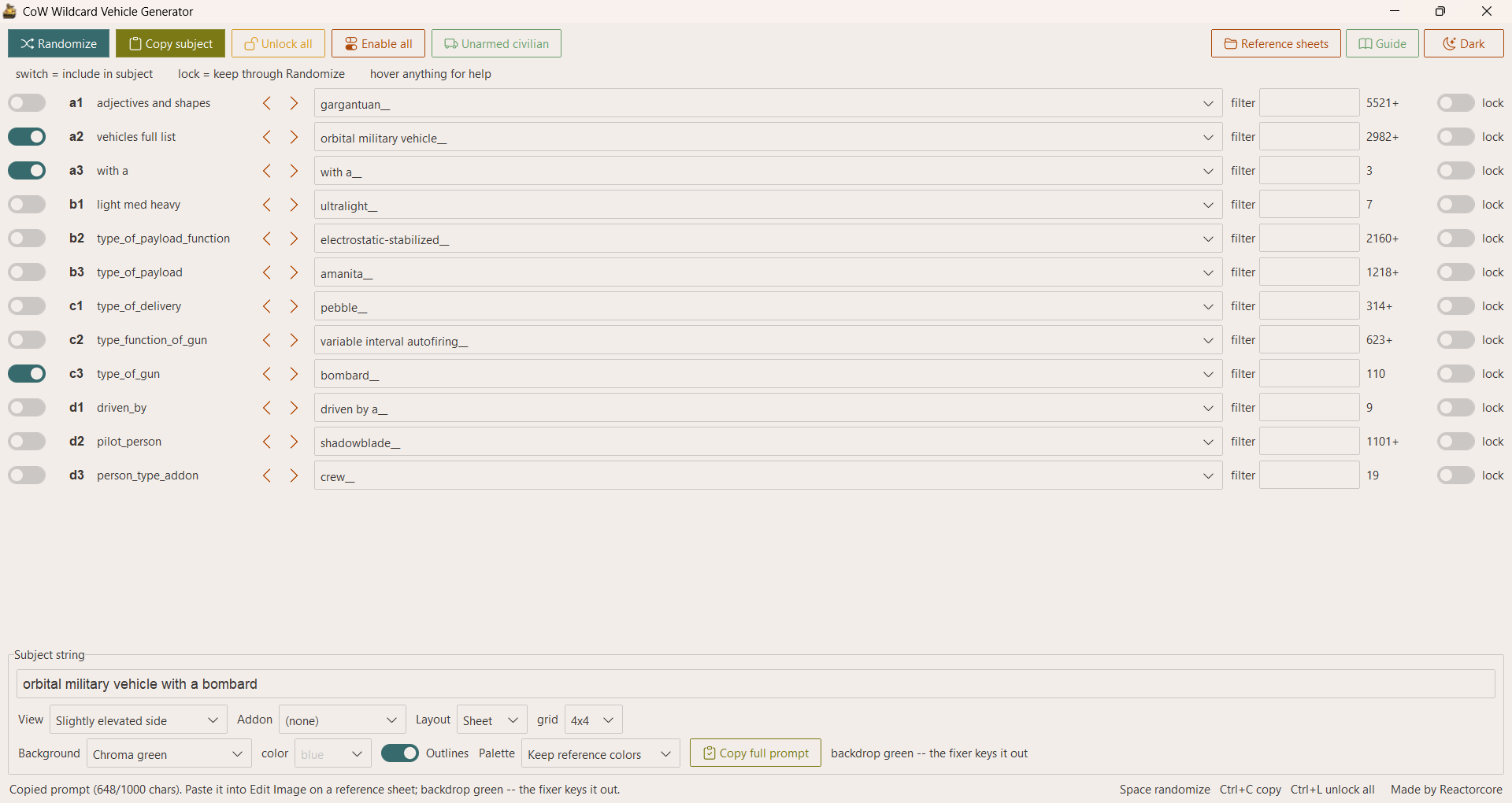
- Wildcard Vehicle Generator rolls random vehicle ideas and builds prompts for an image generator's edit mode:
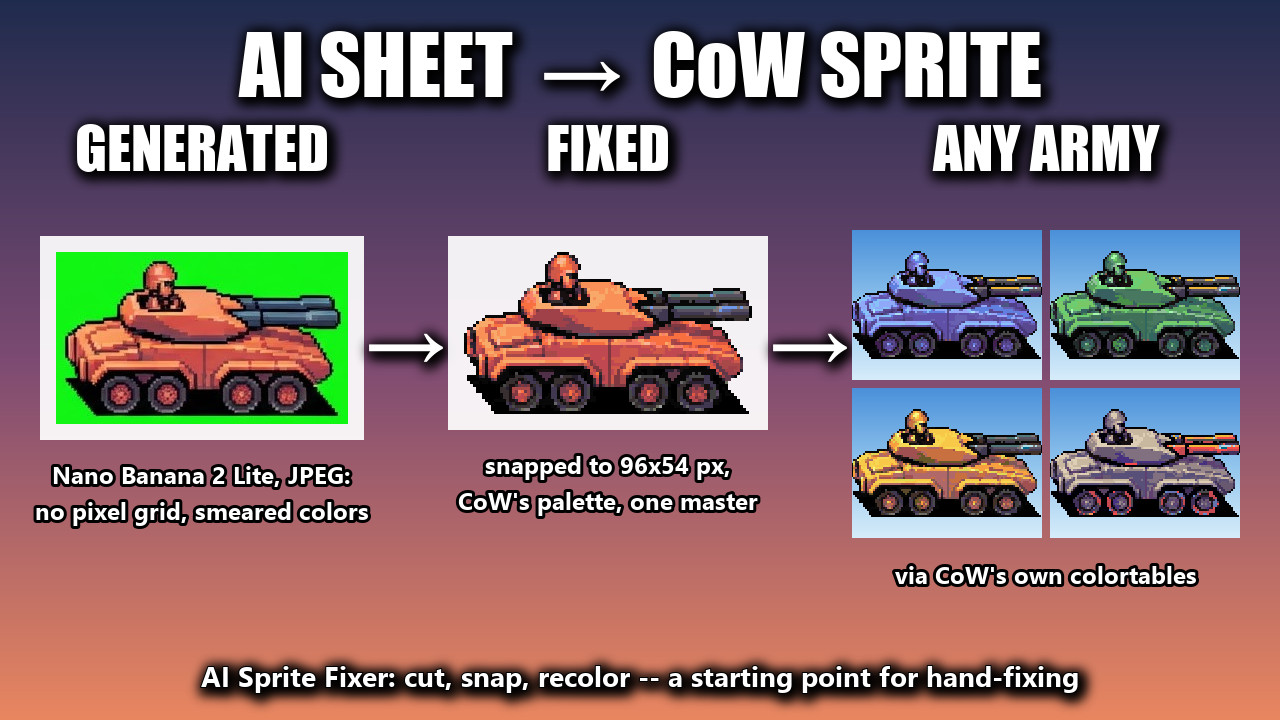
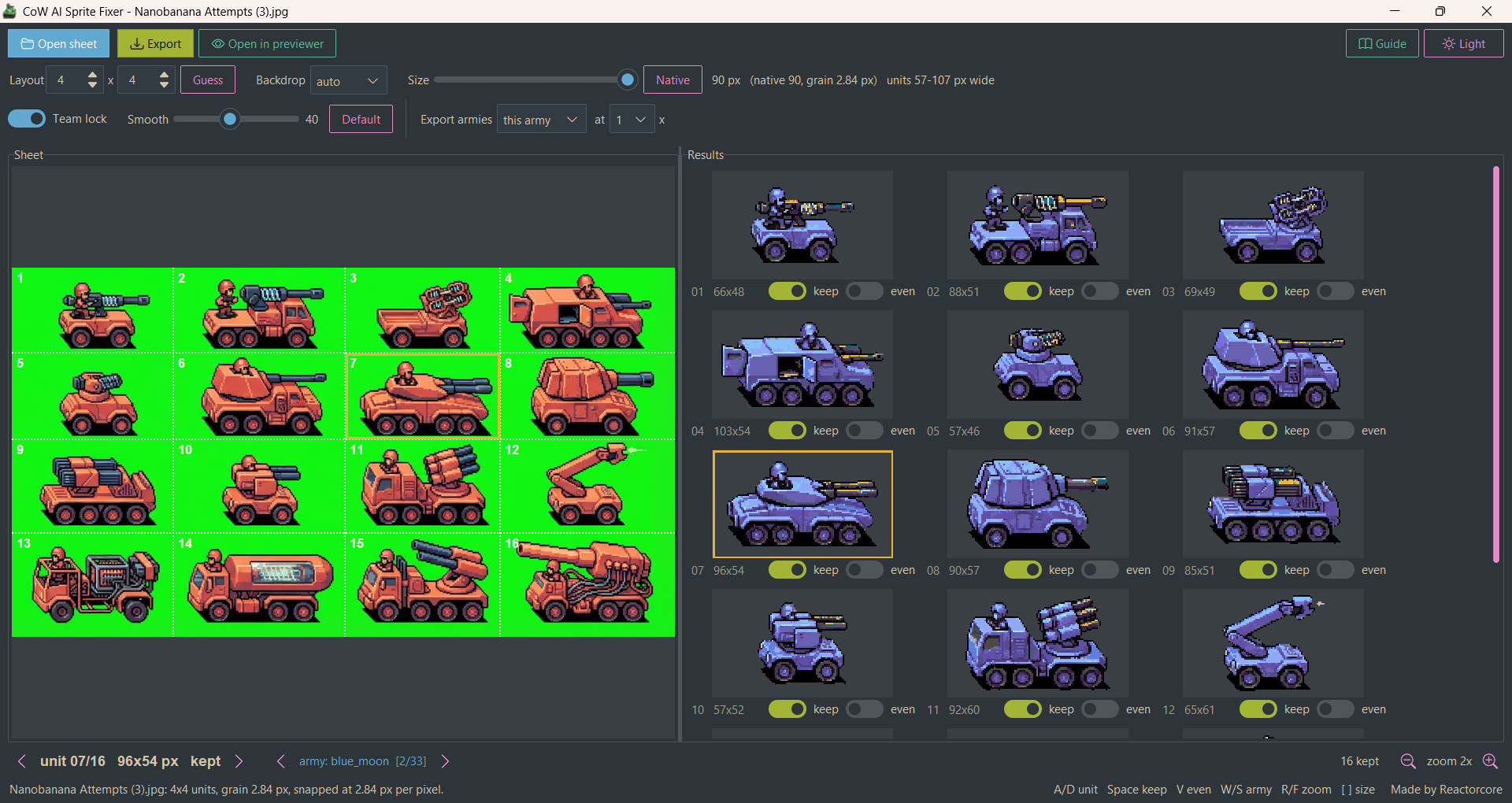
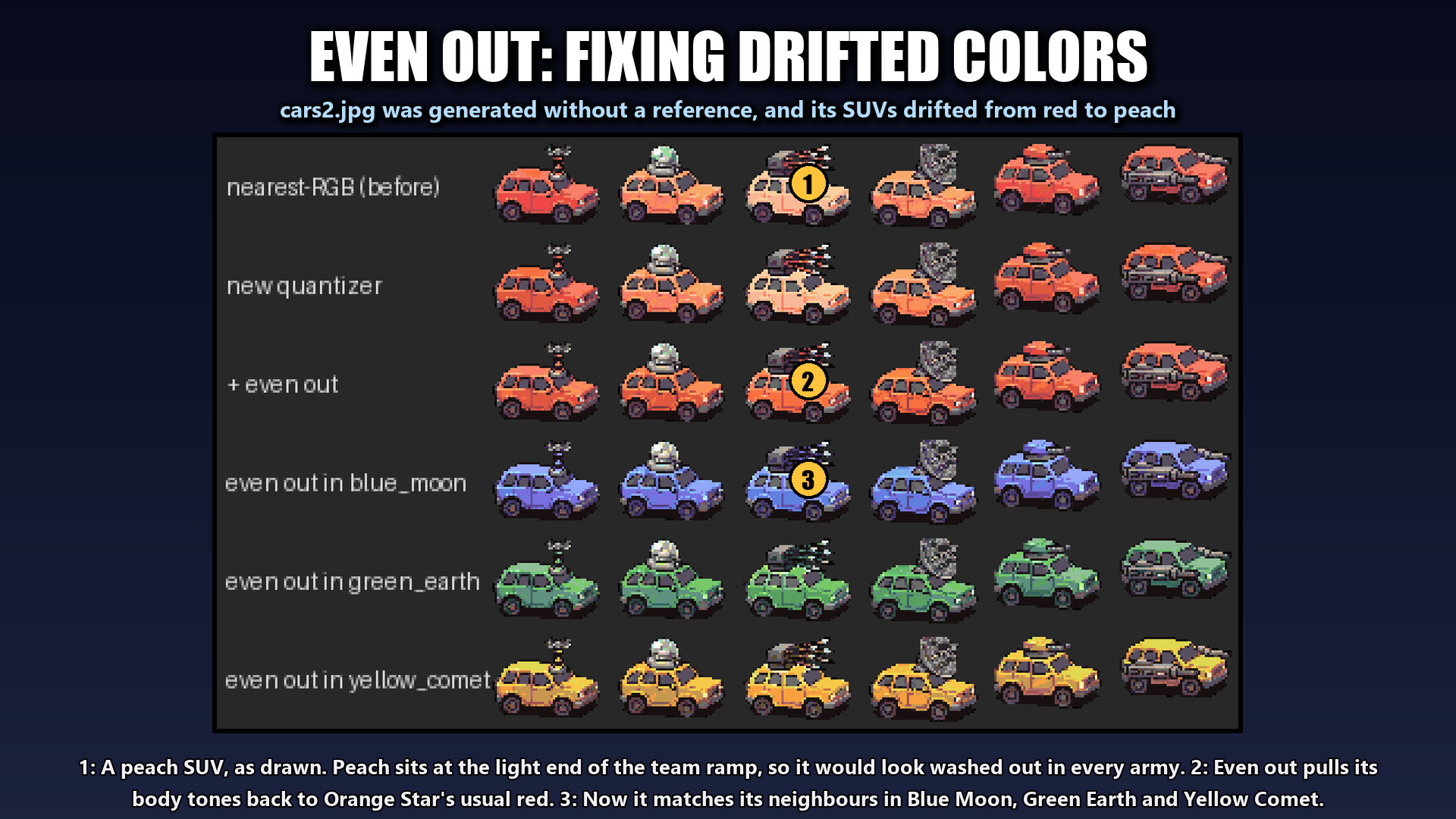
- AI Sprite Fixer turns the sheet that comes back into usable CoW sprites: cut apart, snapped to a pixel grid, on the game's palette, in all 32 armies, and exportable as upscaled PNGs for other games:
Not limited to just for Commander Wars!
You can use the CoW Unit Sprite Suite to make Advance Wars style sprites for any game or mod project with up to 32 different team colors.
In the Wildcard Generator 🎲 you can set the prompts to ask for side-view, front-view, top-view or isometric/oblique camera angles.
In the AI Sprite Fixer 🔧 you can turn sheets into individual sprites.
In the Previewer 🔍 you can take those individual sprites and convert them to whichever team colors you need them to be.
This workflow is very versatile and easy - allowing you to use it anywhere it fits!
How to use
(Below is the "quickstart" intended for making new units for CoW mods.)
- Unzip, run CoW Sprite Previewer.exe.
- Draw your unit in red on #00ff00 green.
- Click Cut sheet… and pick your drawing.
- Your
+mask.pngfiles are ready for Commander Wars.
More information is available in Guide.md.
Built for Windows 10 or newer, no installing needed. Standalone, portable, offline.
AI Sprite Route
If you wanna do the AI Route or your sheet is not exactly in the correct palette, check out CoW Wildcard Generator.exe and then CoW AI Sprite Fixer.exe afterwards.
I recommend using Nano Banana 2 Lite or similar capable model. They're usually paid - and somewhat pricy - and not perfect/finicky - so your mileage may vary. Weaker models usually struggle worse.
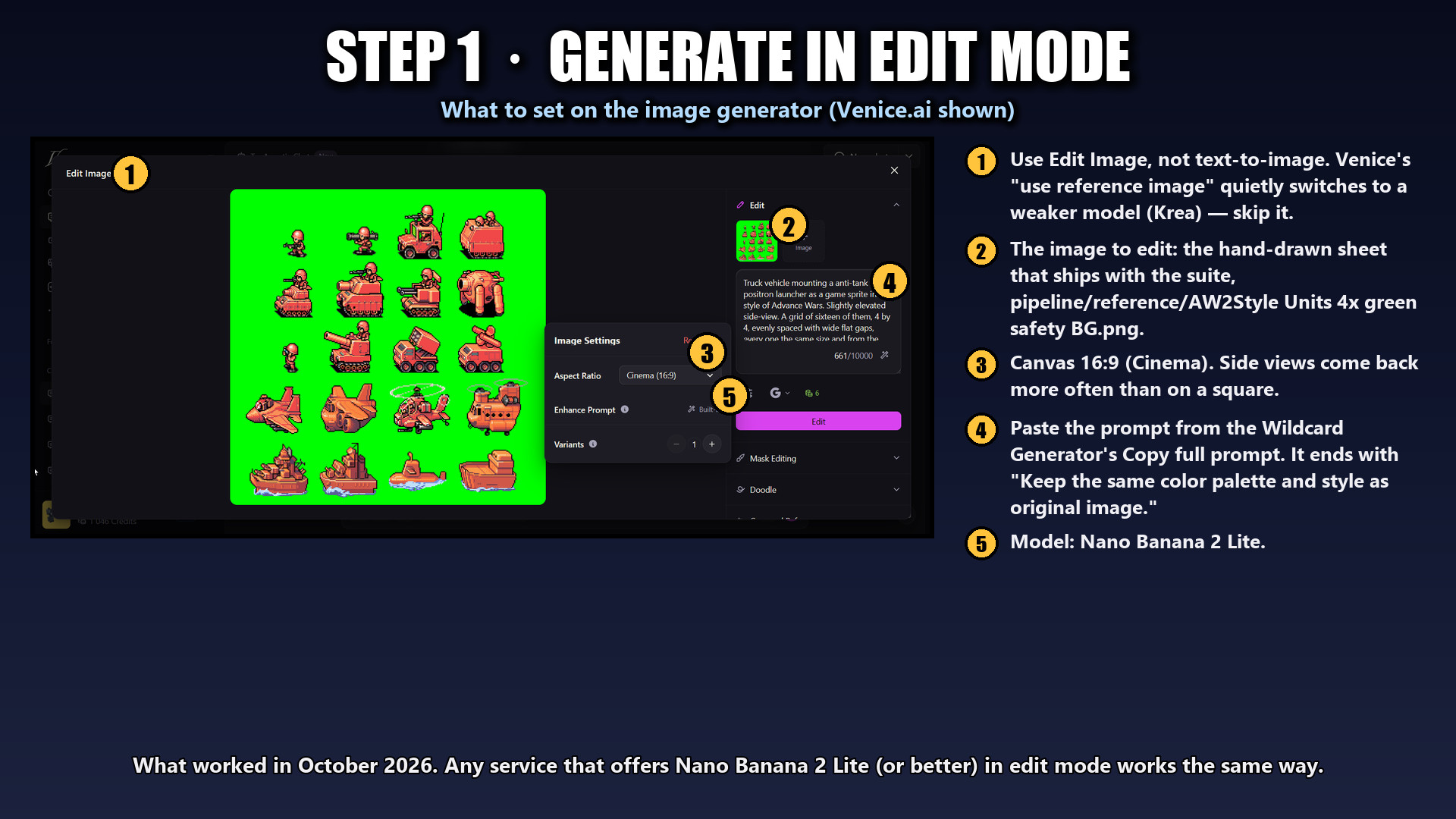
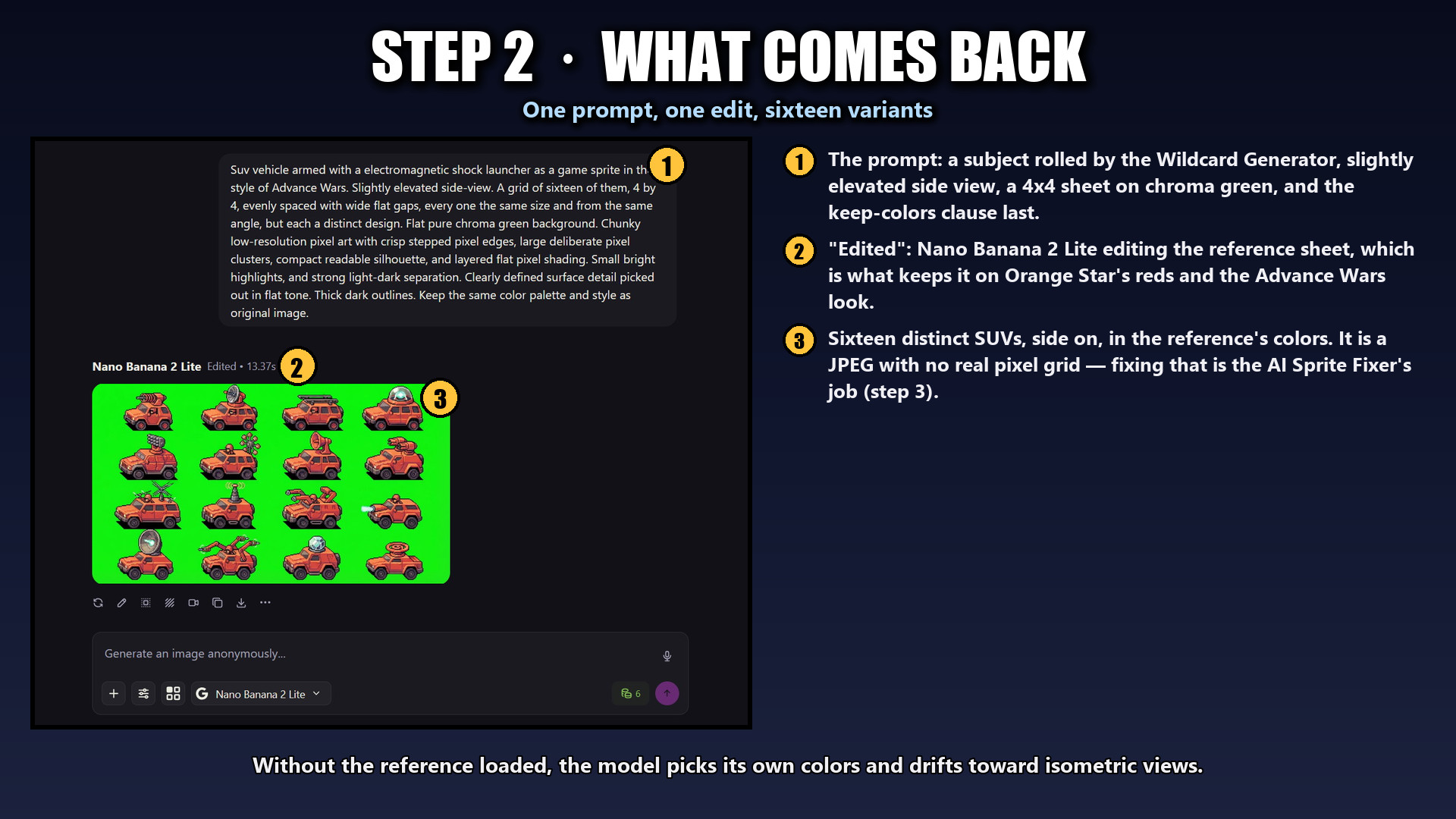
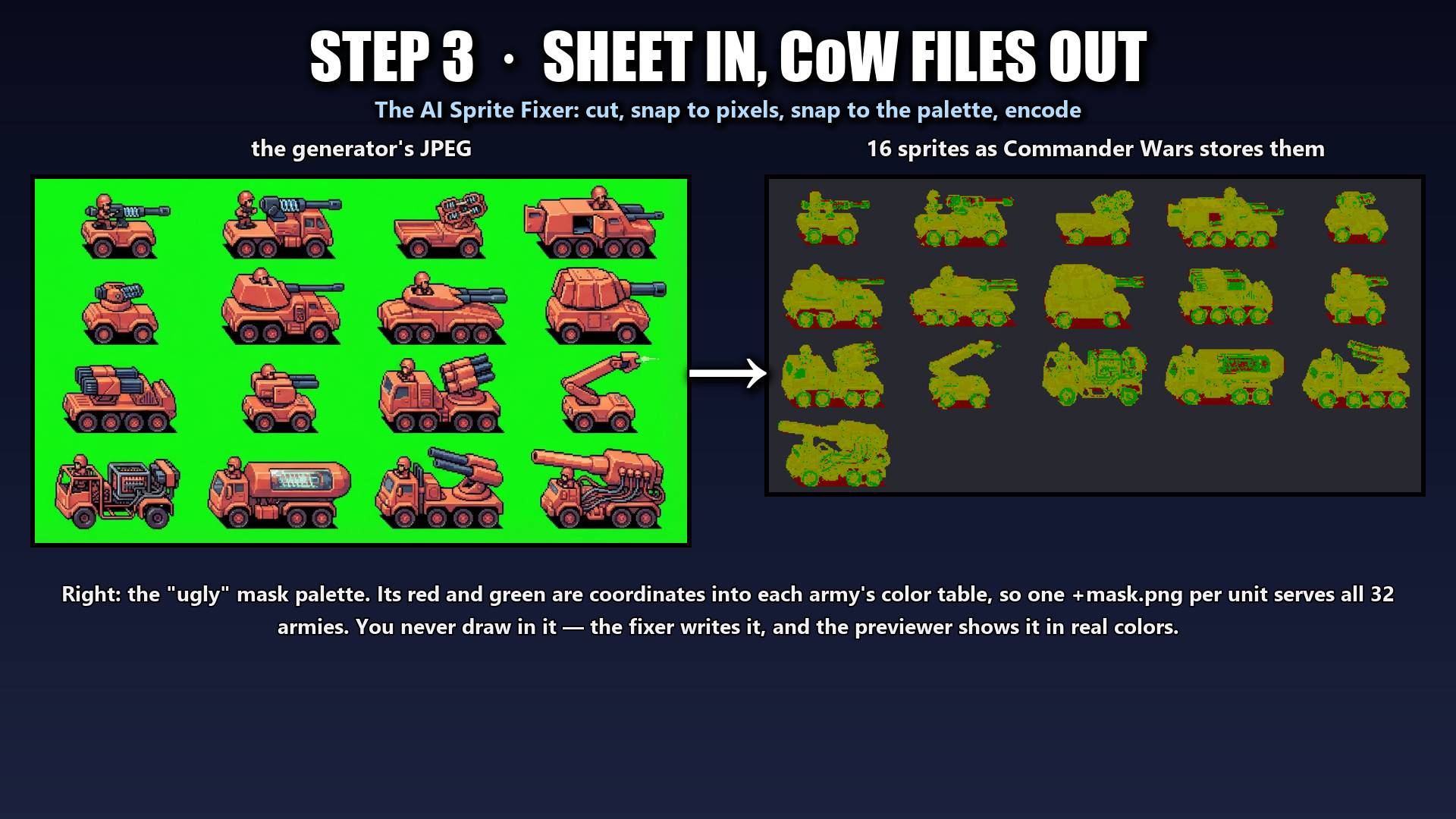
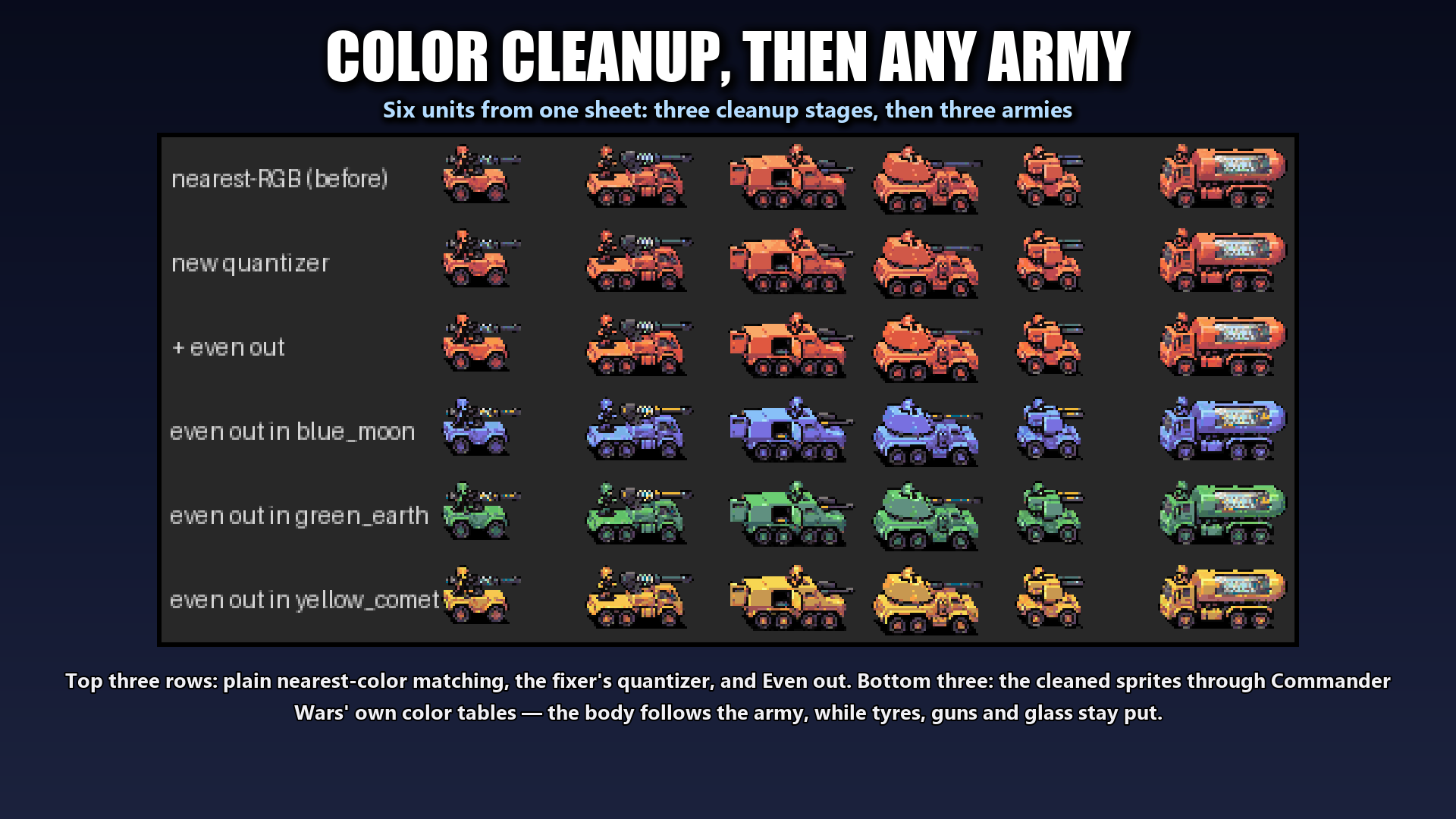
I used Venice.ai as the provider/interface/service, but if you use another platform that has access to a good model, then by all means use that.
In my testing I found the best method to edit an existing reference image (included in the suite) and aim for a 16:9 aspect ratio image, using the prompts from the CoW Wildcard Generator.exe.
Credits
Commander Wars colortables and sample sprites are from Commander Wars by Robosturm and contributors (LGPL-3.0, source: https://github.com/Robosturm/Commander_Wars), included unmodified.
Made by Reactorcore — https://linktr.ee/reactorcore
Download
Click download now to get access to the following files:
Development log
Leave a comment
Log in with itch.io to leave a comment.